Unbox and remove all packing material
Take the Primera LX500 out of the box and remove every piece of tape, foam and the cardboard inserts — inside the cartridge/toner area too. Leftover packing is the #1 cause of carriage and jam errors on a brand-new printer.
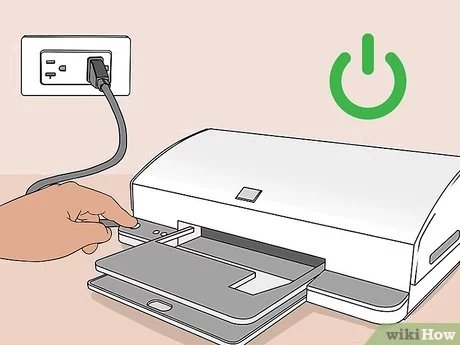
Connect power and turn it on
Plug the power cord into the printer and a wall outlet, then press the power button. Wait for it to finish initializing before going further. (Skip connecting the USB cable for now — only plug it in if the installer asks.)
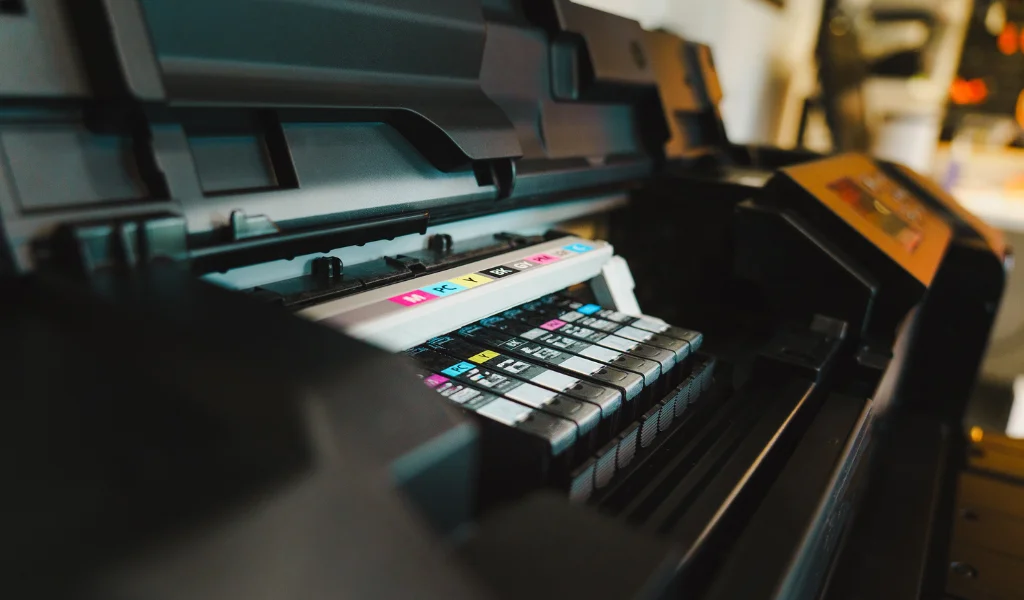
Install the ink cartridges
Open the cartridge door, unwrap each cartridge and remove the protective tape, then push it into the matching slot until it clicks. Close the door and let the printer recognize them.
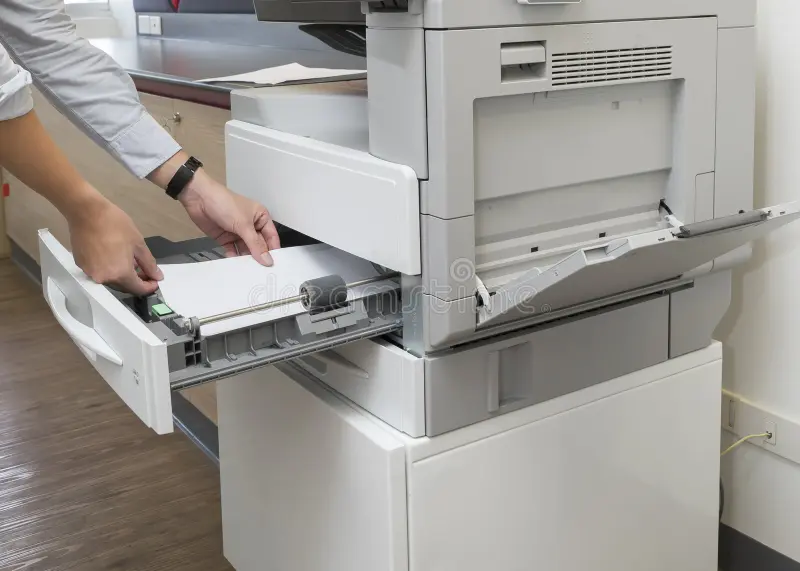
Load paper into the tray
Fan a stack of paper, place it in the input tray, and slide the guides snug against the edges so it feeds straight. Don't overfill past the max line.
Connect to Wi-Fi or your computer
For wireless, use the printer's Wi-Fi Setup Wizard (or the brand app) and join your 2.4GHz network — most home printers don't use 5GHz. For a wired setup, connect Ethernet or USB. Keep the printer near the router while pairing.
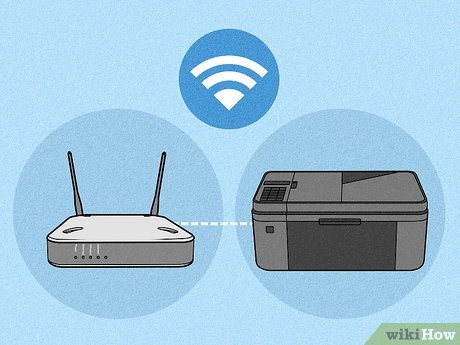
Install drivers and the printer software
On a computer, install the full driver/software package (not just the basic driver) so printing and scanning both work. Drivers and PTPrint software come from primera.com support downloads. On a phone, install the brand's app to finish setup.
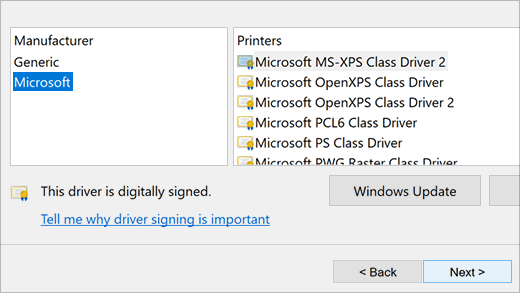
Run initial ink charging and alignment
Let the printer run its first-time ink priming, then print the alignment page so text and photos come out sharp.
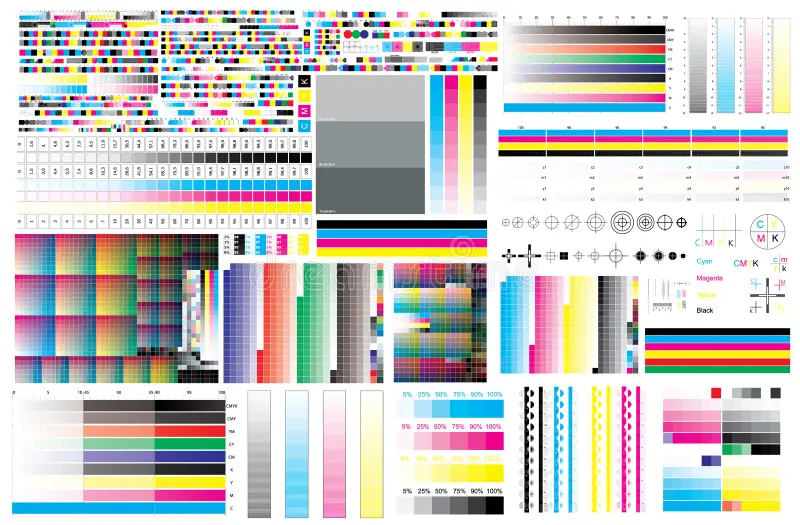
Print a test page and adjust settings
Print a test page to confirm everything works. Then set your defaults — paper size, quality, and turn on two-sided (duplex) printing if you want to save paper.
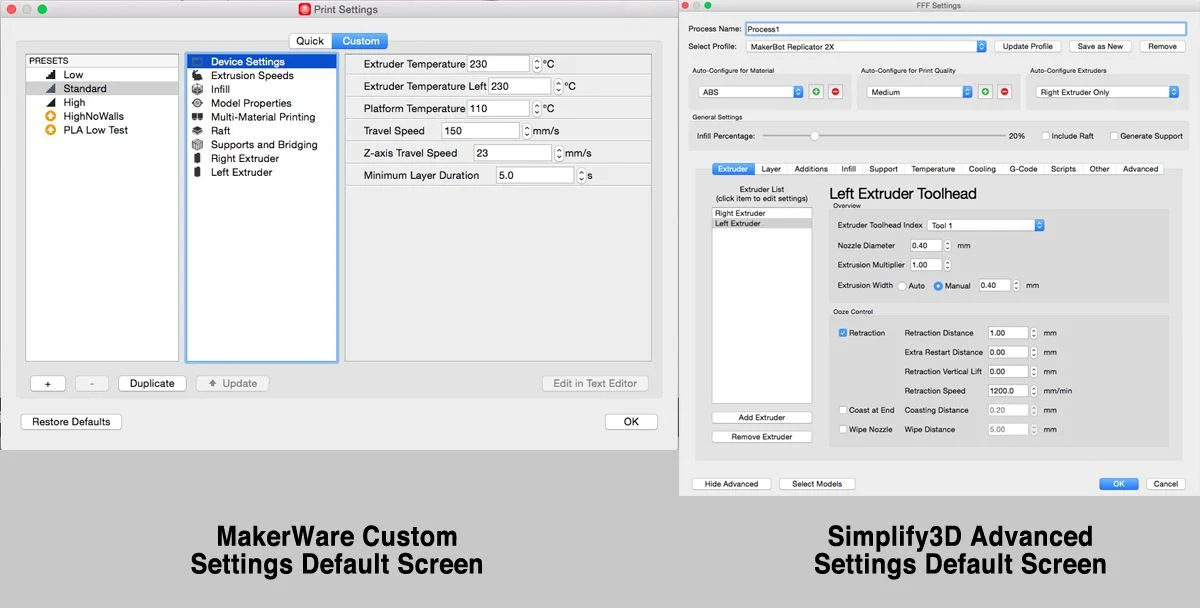
Troubleshooting this printer
"Driver is unavailable" on Windows 10/11
Windows shows "Driver is unavailable" next to your printer, usually after a Windows update changed or removed…
ConnectivityUSB printer not detected by the computer
The printer is plugged in over USB but the computer doesn't see it. Often a cable, port, or driver-order probl…
QualityPrinter prints blank pages
Paper feeds through but comes out blank or nearly blank. On inkjets this is usually clogged nozzles or air in…
QualityPrints have streaks, lines or banding
Output shows horizontal banding, vertical streaks, or smudges. On inkjets it points to nozzle or alignment iss…