Epson EcoTank Not Printing After Sitting Unused: Unclogging the Printhead Safely
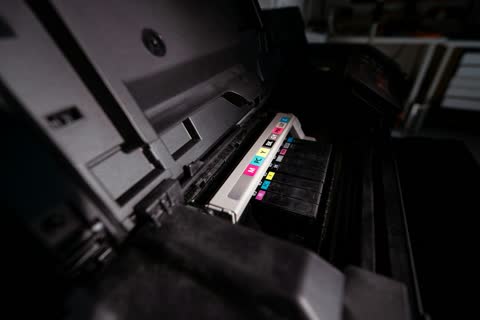
An idle EcoTank dries ink in the nozzles. Work up from a nozzle check to one cleaning cycle, then power cleaning, and only then consider a manual soak.
Practical, tested walkthroughs for printer setup, drivers and error-code fixes — updated for the latest models and operating systems.
An idle EcoTank dries ink in the nozzles. Work up from a nozzle check to one cleaning cycle, then power cleaning, and only then consider a manual soak.
Blank pages from an inkjet almost always mean dried or clogged nozzles. On a laser, the first thing to check is whether the protective seal was removed from the new toner cartridge.
The direction of the marks tells you the cause. Horizontal banding on an inkjet means clogged nozzles; evenly repeating vertical lines on a laser point at the drum or fuser.
Faded prints usually mean an economy mode is switched on, a cartridge is low, or an inkjet has a partial nozzle clog. Each has a different fix and none of them requires a service visit.
Wrong colors usually mean a blocked nozzle, an empty channel, or a paper and profile mismatch. A nozzle check tells you which within thirty seconds.