Printer Says Out of Ink but It Isn't: How to Override and Reset It (2026)
Most printers estimate ink from pages printed, not from what is left in the tank, so a full cartridge can still report empty. Here is how to override the warning brand by brand.


On this page
Almost no consumer printer measures how much ink is actually left. It counts pages, drops fired and cleaning cycles, then subtracts from an assumed starting volume, which is why a cartridge you can hear sloshing can report empty. In most cases the warning can be dismissed and the printer will keep printing until the quality genuinely drops. This guide covers the override for each brand, when the message is real, and when the chip rather than the ink is at fault.
Quick fixes first
- Read the wording carefully: low is advisory, empty or depleted is a stop you may still be able to override.
- Press and hold the printer's OK, Resume or Stop button for about five seconds to acknowledge the warning and continue.
- Remove the cartridge, wipe the copper or gold contacts with a dry lint-free cloth, refit until it clicks and close the door.
- Power the printer off at the wall for 60 seconds, then back on so it re-reads every cartridge.
- Print a nozzle check or print quality page. If the page is clean, the ink is fine and the counter is wrong.
- Still blocked? Try a genuine cartridge you know is new, to separate a chip fault from a printer fault.
Why a full cartridge reports empty

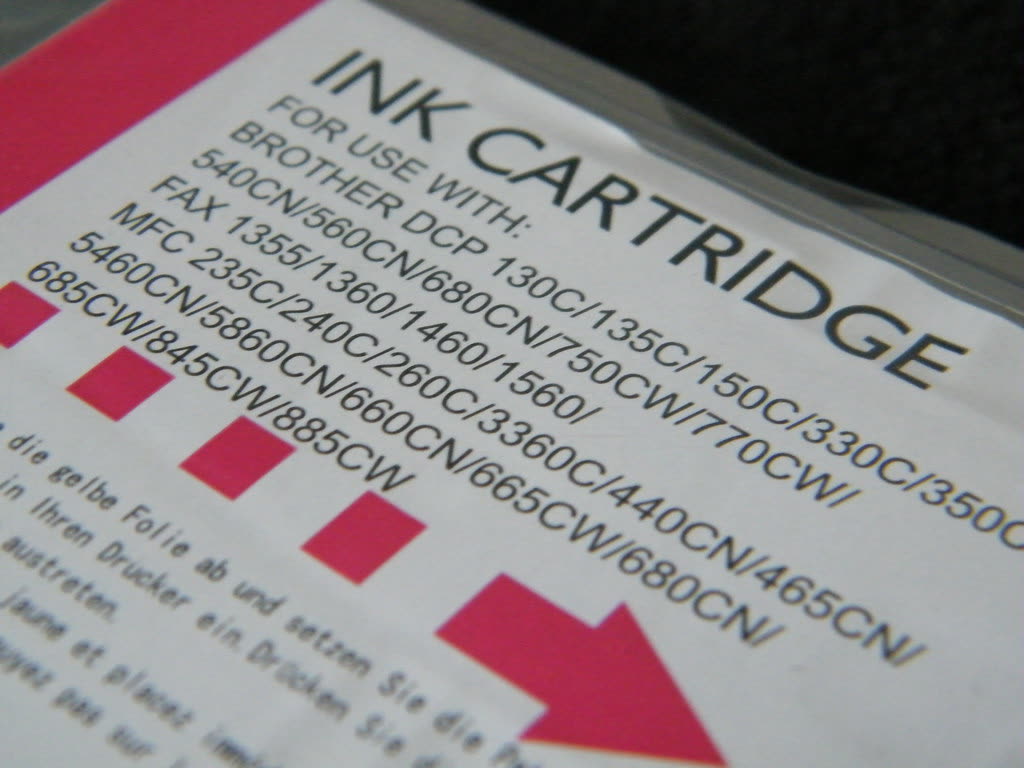
There are two measurement methods in consumer printers and neither is a fuel gauge. The first is a page counter on a chip in the cartridge: the printer increments it for every drop fired, every head cleaning and every power-on purge, and declares the cartridge empty when the count reaches the rated yield. The second is an optical or prism-based sensor that looks for ink at one point in the cartridge, which reports empty as soon as the level drops past that point even though ink remains in the sponge.
Both methods are deliberately conservative. Manufacturers would rather stop a page early than let a head run dry, because printing with air in the nozzles can damage a permanent printhead. That conservatism is why cartridges typically hold 10 to 20 per cent more usable ink than the point at which they report empty.
Three situations produce a false empty reading that is not about the estimate at all:
- Refilled or remanufactured cartridges. If the chip was not reset or replaced, it still holds the count from the previous life and reports empty immediately.
- Dirty or damaged contacts. The printer cannot read the chip and defaults to a fault, which many models word as empty or not recognised.
- Programme enforcement. HP Instant Ink and HP+ printers check whether the cartridge belongs to the subscription and refuse it if not, regardless of ink.
Fix 1: Dismiss or override the warning by brand
Wording and button names vary by model, so read the panel prompt rather than assuming. These are the patterns each manufacturer uses.
HP
On most HP inkjets a low-ink alert appears with a Continue or OK option on the touchscreen; on button-only models such as the DeskJet 2700 and 4100 series the Resume button (the one with the triangle in a circle) acknowledges the alert. HP also lets you turn off low-ink alerts entirely: open the HP app (still widely called HP Smart), select your printer, then look under Settings or Preferences for the alerts or notifications section and switch off low-ink reminders. This changes the alerting, not the estimate.
Enrolled printers are different. If the printer is on Instant Ink or was set up with HP+, non-programme cartridges are rejected outright. See HP cartridge problem and Dynamic Security for what those programmes enforce and what they do not.
Canon
Canon PIXMA and MAXIFY printers give the clearest override. When the panel reports that the ink has run out and asks whether you want to continue, press and hold the Stop button (the circle with a triangle) for about five seconds; the printer disables the remaining-ink detection for that cartridge and prints. From that point the level display for that tank is meaningless and you have to judge by print quality. On models with an LCD prompt, the on-screen answer is usually Yes or OK to the "continue printing" question.
Epson
Epson cartridge printers such as the WorkForce and Expression series generally allow a small number of pages after the low warning and then stop hard. There is no supported override on genuine cartridges once the counter reaches zero. Epson's ink-tank EcoTank and L-series models are the opposite problem: the level display is purely a software counter, so after topping up the bottles you must tell the printer you have refilled. On the panel, look for Settings › Maintenance › Reset Ink Levels (wording varies) or use Epson Smart Panel, and confirm the colours you filled. If you skip this, the printer keeps counting down from the old figure.
Brother
Brother inkjets such as the MFC-J series show an ink-empty message and stop, but many models offer a continue mode that you enable from the panel; look under Settings › All Settings › Initial Setup or General Setup for an ink or continue option, since the exact path differs by model. On Brother lasers, the equivalent is the toner continue setting, and low-toner behaviour is covered in our Brother toner reset guide.
Fix 2: Clean the chip contacts
A brand-new cartridge reporting empty is almost always a contact problem, not an ink problem.
- Turn the printer on and open the cartridge access door so the carriage moves to the centre, then remove the cartridge.
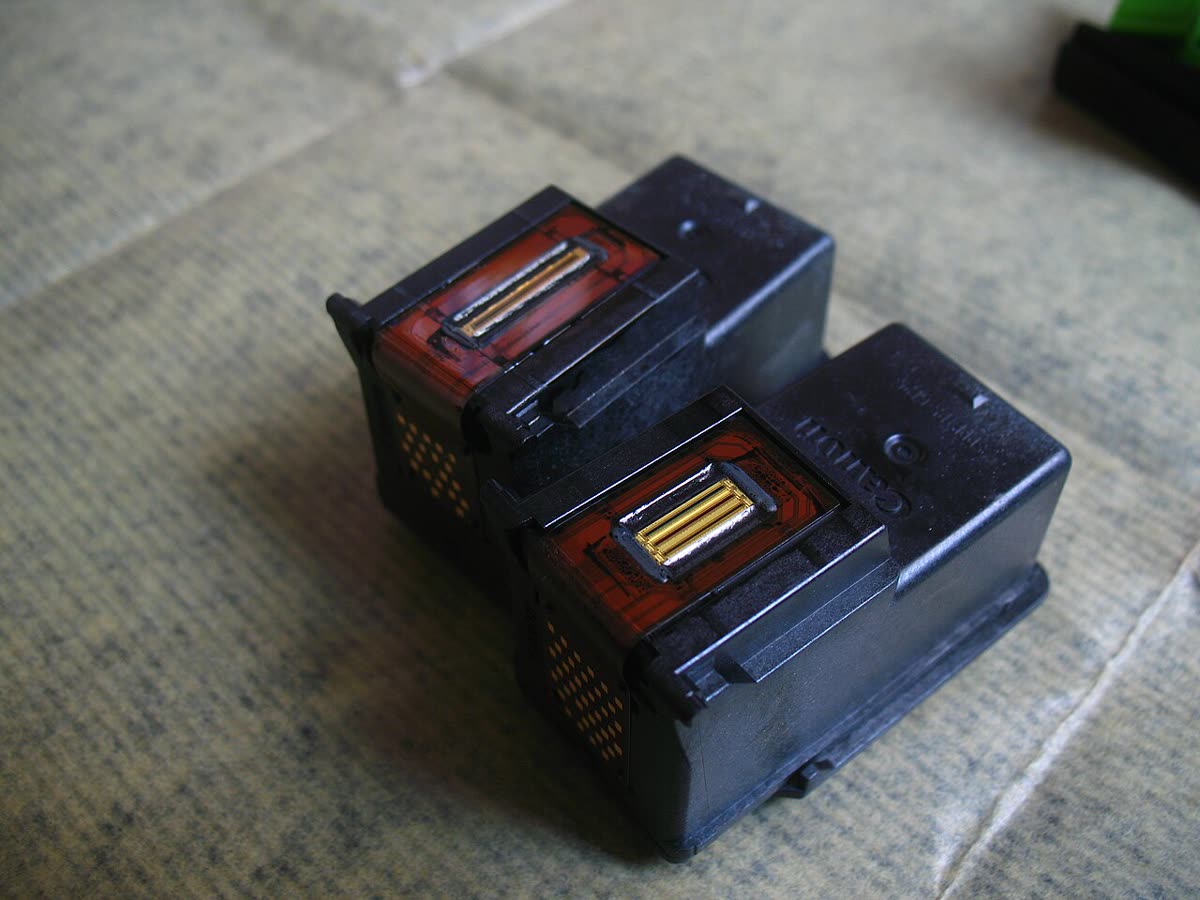
- Wipe the copper or gold contact pad on the cartridge with a dry, lint-free cloth. Do not use alcohol on the chip and do not touch the nozzles.
- Look into the carriage and wipe the matching contacts there with a dry cotton bud.
- Check for and remove any orange or blue protective tape you may have missed, and the plastic clip some cartridges ship with.
- Refit until it clicks, close the door and let the printer complete its check.
Fix 3: Decide whether the reading is actually wrong
Before you spend time overriding a warning, confirm there is ink. On a cartridge inkjet, lift the cartridge out and feel its weight against a spare; a genuinely empty one is noticeably lighter. On an ink-tank printer, look at the physical tank windows on the front, which are the only honest gauge those machines have. On a laser, take the toner cartridge out and rock it gently side to side; if the print recovers for a few pages, the toner really is close to done.
Then print a nozzle check. If the pattern is complete, the ink is reaching the paper and the counter is simply wrong. If the pattern has gaps in one colour, you may have a clog rather than an empty cartridge, which is a separate fix covered in streaks and lines and printer not printing black.
What each message really means

| Message | What it means | Can you keep printing? |
|---|---|---|
| Low ink / ink level low | Estimate crossed a threshold | Yes, dismiss and continue |
| Very low / replace soon | Estimate near zero, usually 5 to 15 per cent left | Yes, usually dozens of pages |
| Ink out / depleted / empty | Counter at zero | Often yes, with a hold-to-override on Canon and some HP |
| Cartridge problem / not recognised | Chip cannot be read or is rejected | No, fix the contacts or the cartridge |
| Ink levels unknown | Refilled or third-party chip | Yes, but monitor quality yourself |
| Ink pad / maintenance box full | Waste counter, not ink at all | No, see the ink pad guide |
Third-party and refilled cartridges
Compatible cartridges from reputable suppliers work in most printers, but their chips report levels less reliably and firmware updates occasionally break recognition of a particular chip generation. If you use them, buy from a supplier who states which chip revision they ship and who will replace stock that a firmware update rejects. Our third-party ink and toner guide covers the warranty and quality questions honestly, including the situations where compatibles genuinely are a false economy.
Refilling a cartridge yourself almost always leaves the counter wrong, because the chip has no way of knowing you added ink. Expect to run in the ink-levels-unknown state permanently and judge refills by print quality instead.
If nothing worked
If a genuine, correctly seated, brand-new cartridge still reports empty in more than one slot, the fault is in the printer: either the carriage contact block or the logic that reads it. That is not a home repair, and on a consumer inkjet the labour alone typically exceeds the value of the machine. A workshop assessment runs roughly 60 to 120 US dollars, 50 to 100 pounds, 90 to 150 Canadian dollars or 100 to 180 Australian dollars, before parts. If the printer is under two years old, go to the retailer or manufacturer warranty first rather than paying for a repair.
If the printer is blocked by programme enforcement rather than hardware, no amount of cartridge swapping helps, and the honest options are to buy the programme cartridges or replace the printer with a model that has no enrolment. If you want a second opinion on which of those you are actually facing, you can get help from a printer specialist who can read the printer's own status remotely.
Software mentioned in this guide
- Brother Mobile Connect
Brother's current mobile app for setup, printing, scanning and supplies iOS · Android - Canon PRINT
Canon's single mobile app for printing, scanning and printer setup iOS · Android - Epson Smart Panel
Epson's current mobile app for setup, printing, scanning and ink levels iOS · Android - HP Smart (the HP app)
HP's official setup, printing, scanning and ink app for home and small-office printers Windows · macOS · iOS
Frequently asked questions
Can I keep printing when the printer says the cartridge is empty?
Usually yes. Cartridges typically hold 10 to 20 per cent more usable ink than the point at which the counter declares them empty. On Canon models, holding the Stop button for about five seconds disables remaining-ink detection and lets printing continue; HP and Brother offer similar acknowledgement or continue options depending on the model.
Why does my brand-new cartridge say it is empty?
Almost always because the printer cannot read the chip. Remove the cartridge, wipe the copper contact pad with a dry lint-free cloth, wipe the matching contacts in the carriage, check no protective tape or shipping clip remains, and refit until it clicks.
How do I reset ink levels on an EcoTank after refilling?
EcoTank and L-series levels are a software counter, so you have to confirm the refill. On the printer panel look for Settings then Maintenance then a reset ink levels option, or do it through Epson Smart Panel, and confirm each colour you topped up. If you skip this the display keeps counting down from the old figure.
Does overriding a low-ink warning damage the printer?
Printing a modest amount past the warning is safe. What causes damage is running a permanent printhead completely dry for an extended period, because air in the nozzles can burn out the heating elements. Watch the print quality and stop as soon as pages go faded or streaky.
Why does HP reject my cartridge even though it is full?
If the printer is enrolled in Instant Ink or was set up as an HP+ printer, it only accepts cartridges that belong to that programme, and ink level is irrelevant. That is a programme rule rather than a fault, and swapping cartridges will not get around it.
Is the ink pad message the same as being out of ink?
No. The ink pad or maintenance box message on Epson printers refers to the waste-ink counter, which tracks ink used in cleaning cycles rather than ink available for printing. It needs a different fix entirely.
Technical writer focused on printer drivers, wireless setup and error-code troubleshooting.
Questions & comments (0)
No comments yet. Describe your printer model, operating system and the exact message you see; comments appear after review.
Ask about this page
Your comment appears after our team approves it. Or sign in to post faster.