HP DeskJet 2755e vs HP ENVY 6055e: Is the Extra Money Worth It?
The ENVY 6055e adds automatic duplex and dual-band Wi-Fi for a small premium, and those two features remove most of the reasons people get frustrated with the DeskJet.

On this page
These are HP's two cheapest home all-in-ones and they share more than they differ: same cartridges, same print resolution, same basic scan and copy functions. The ENVY 6055e adds automatic two-sided printing, dual-band Wi-Fi, a larger tray and a small touchscreen. For a modest price difference, those additions remove most of the day-to-day irritations people report with the DeskJet.
Quick verdict first
- If your router uses one merged network name with band steering, take the ENVY 6055e - dual-band Wi-Fi is the deciding feature.
- If you print anything longer than a page or two regularly, the ENVY's automatic duplex pays for itself in paper.
- If you print occasionally and want the absolute lowest price, the DeskJet 2755e is adequate.
- If you want more than 100 sheets loaded at a time, neither is generous - the ENVY holds 100, the DeskJet 60.
- If you print only black text, look at a mono laser instead before buying either.
Side-by-side specifications

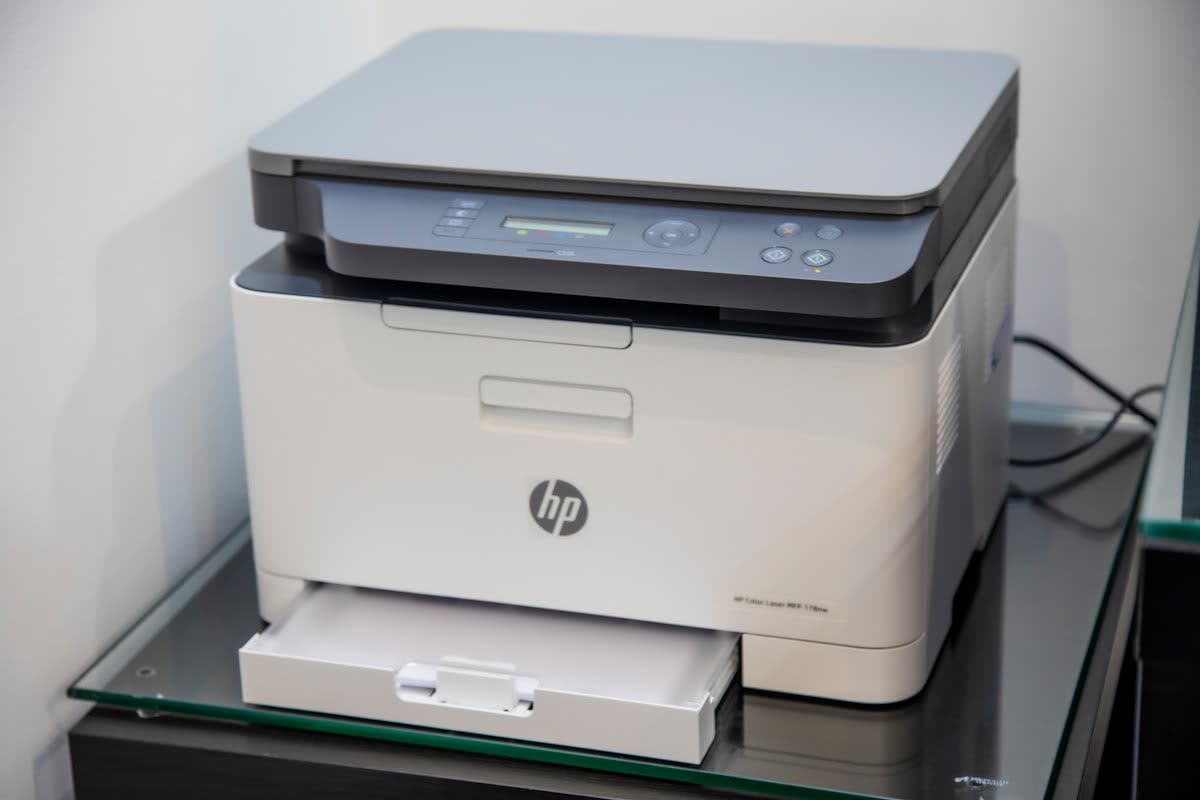
| Specification | HP DeskJet 2755e | HP ENVY 6055e |
|---|---|---|
| Typical street price | Around 84 USD | Around 99 USD |
| Functions | Print, scan, copy | Print, scan, copy |
| Print speed (black) | Up to 7.5 ppm | Up to 10 ppm |
| Print speed (colour) | Up to 5.5 ppm | Up to 7 ppm |
| Print resolution | Up to 4800 x 1200 dpi | Up to 4800 x 1200 dpi |
| Connectivity | Wi-Fi (2.4 GHz), Bluetooth setup, USB | Dual-band Wi-Fi, Bluetooth, USB |
| Paper input | 60-sheet tray | 100-sheet tray |
| Duplex | Manual two-sided | Automatic two-sided |
| Display | Icon LCD | 2.2 in mono touchscreen |
| Cartridges | HP 67 and 67XL, black plus tri-colour | HP 67 and 67XL, black plus tri-colour |
| Dimensions | 16.7 x 5.5 x 12 in | 17.1 x 7.6 x 13.9 in |
Dual-band Wi-Fi is the real upgrade
This is the specification that matters most and gets the least attention. The DeskJet 2755e connects on 2.4 GHz only. The ENVY 6055e can also join a 5 GHz network.
Why does that matter? Most modern routers, and virtually all ISP-supplied ones, broadcast a single network name across both bands and steer devices between them. That arrangement works well for phones and laptops, and badly for 2.4 GHz-only printers - setup hands over credentials for a network the printer cannot use, and afterwards the printer periodically becomes hard for other devices to find. It is the single most common cause of the support requests we see for cheap home printers.
The ENVY sidesteps that whole category of problem. If you have ever fought with a printer that keeps going offline, this is worth the price difference on its own. Our guides on printers that keep going offline and HP Smart setup failures cover what that fight looks like.
Automatic duplex: small feature, daily benefit
The DeskJet prints one side, then asks you to take the stack out and put it back the other way round. That is fine once. It is tiresome weekly, and on longer documents it invites jams because the second pass runs slightly curled paper back through a printer with a 60-sheet tray.
The ENVY turns the page itself. Over a year of school work, forms and printouts that halves the paper you buy and removes a step you would otherwise repeat constantly. Our guide to duplex printing problems explains the difference between the two modes in more detail.
Running costs are identical
Both machines use HP 67 and 67XL cartridges, so there is no cost-per-page argument between them. What matters is the cartridge design: one black and one tri-colour. When any single colour in the tri-colour cartridge runs out, the whole cartridge is done, even if the other two are half full. That is inherent to this class of printer and applies to both.
Two practical consequences. Always buy XL cartridges rather than standard - the cost per page is roughly half. And if you print a lot of colour, seriously consider whether an ink tank machine would suit you better.
Both are also eligible for HP's subscription ink service, which is worth evaluating if your volume is steady. It is poor value for erratic printing and good value for predictable printing. Our cost-reduction guidance works through the maths.
Build, speed and the touchscreen
The ENVY is a little faster on paper, and noticeably faster in practice on colour pages. Neither is quick; both are designed for a handful of pages at a time rather than sustained work.
The ENVY's small mono touchscreen is genuinely more usable than the DeskJet's icon LCD, particularly for tasks like copying with settings, or reading a message when something goes wrong. Diagnosing an error on an icon-only panel means decoding blinking lights against a chart, which is exactly as tedious as it sounds.
The ENVY is physically larger, which matters if desk space is tight. The DeskJet is the more compact machine by a clear margin.
What goes wrong with both
Since we deal with faults rather than reviews, this is worth stating plainly. Across this whole HP consumer range the recurring themes are consistent: setup failures in the HP app, cartridge recognition problems, printers going offline after a router change, and blinking-light error codes on the panel-less models.
Almost none of those are hardware failures. They are network and software issues, which is why buying a more expensive printer of the same family does not eliminate them - though dual-band Wi-Fi does remove a large share. Our HP printer offline and HP ink cartridge guides cover the common ones, and the HP support hub collects the rest.
Setting either one up
Both are set up through the HP app, formerly and still widely known as HP Smart, and both support Bluetooth-assisted setup. The process is identical, but the DeskJet's 2.4 GHz-only radio makes it far more likely to fail partway - put your phone on the 2.4 GHz network before you begin.
On Windows 11, after setup open Settings, then Bluetooth & devices, then Printers & scanners and check the printer appears once rather than as several duplicates, which accumulate when setup is retried. Select it, open Printer properties, and confirm the driver on the Advanced tab is an HP driver rather than the generic "IPP Class Driver" - the generic one hides duplex and quality options. If jobs stall, press Windows+R, run services.msc, right-click Print Spooler and choose Restart.
On macOS 26 Tahoe, open System Settings, then Printers & Scanners, click the plus button and add the printer, choosing the Bonjour entry where available. Both models work well with AirPrint for everyday printing without any HP software installed at all, which is a genuinely useful fallback if the app is being difficult.
Whichever you buy, note the printer's IP address from a network configuration page and set a DHCP reservation in your router. It is five minutes of work that prevents the printer disappearing after every power cut.
Which should you buy?

Buy the HP ENVY 6055e if you want the fewest headaches for the least extra money. Dual-band Wi-Fi, automatic duplex, a larger tray and a readable screen add up to a machine that will annoy you considerably less over three years.
Buy the HP DeskJet 2755e if price is the deciding factor, you print rarely, desk space is tight, and you know your router offers a separate 2.4 GHz network name.
If neither is right for you
An honest word about this whole category. Cheap inkjets are sold at low prices because the money is in the cartridges, and they are a poor match for households that print rarely - ink dries in the head, cleaning cycles consume ink you never printed with, and a tri-colour cartridge retires with usable ink still in it.
If your printing is essentially black text - letters, forms, tickets, homework - a mono laser costs more up front, costs far less per page, and works reliably after months of neglect. Our comparison of inkjet versus laser printers and our guide to choosing a printer for a home office both cover that decision properly.
And if you already own one of these and it is simply refusing to connect or recognise a cartridge, replacing it usually does not help, because the same problem returns on the new machine. If you would like someone to sort the existing one out first, you can get help from a printer specialist.
Software mentioned in this guide
- HP Easy Start
Small bootstrap installer that fetches the right HP driver for your model Windows · macOS - HP Print and Scan Doctor
Free Windows diagnostic tool that finds and fixes common HP printing faults Windows - HP Smart (the HP app)
HP's official setup, printing, scanning and ink app for home and small-office printers Windows · macOS · iOS - Windows printer settings
How Windows installs printers, and the shift to driverless Windows Ready Print Windows - macOS Printers and Scanners
Where macOS adds printers, scans documents and resets the printing system macOS
Frequently asked questions
Is the HP ENVY 6055e worth more than the DeskJet 2755e?
For most households, yes. Dual-band Wi-Fi avoids the band-steering problems that cause most connection complaints with 2.4 GHz-only printers, and automatic duplex halves your paper use. Both are worth more than the small price difference.
Do the DeskJet 2755e and ENVY 6055e use the same ink?
Yes, both use HP 67 and 67XL cartridges - one black and one tri-colour. Running costs are effectively identical between the two machines, so ink is not a deciding factor.
Why does dual-band Wi-Fi matter for a printer?
Most routers broadcast one network name across both bands and steer devices between them. A 2.4 GHz-only printer can end up receiving credentials for a network it cannot join, or becoming hard to find afterwards. Dual-band support avoids that entirely.
Does the DeskJet 2755e print double-sided?
Only manually. It prints one side, then prompts you to reload the stack the other way round. The ENVY 6055e turns the page automatically.
Which is better for a small desk?
The DeskJet 2755e. It is noticeably more compact than the ENVY 6055e, particularly in height and depth, which matters on a crowded desk or a shelf.
Should I buy either if I print only a few pages a month?
Probably not. Cartridge inkjets clog when idle and consume ink on cleaning cycles, and a tri-colour cartridge is retired when any one colour runs out. For occasional black text printing, a mono laser is cheaper to run and far more forgiving.
Consumer-tech editor covering printers and home-office gear for US and Canadian readers.


Questions & comments (0)
No comments yet. Describe your printer model, operating system and the exact message you see; comments appear after review.
Ask about this page
Your comment appears after our team approves it. Or sign in to post faster.