Epson EcoTank ET-2800 vs Canon PIXMA G7020: Which Cartridge-Free Printer Is Worth It?
The ET-2800 is the cheap, simple entry into cartridge-free printing. The G7020 costs more but adds an ADF, fax, auto duplex and far more paper capacity.

On this page
Both of these replace cartridges with refillable tanks and bottles, which is the single biggest change you can make to inkjet running costs. The choice between them is not really about ink - it is about whether you need an office machine or a simple home printer. The Canon PIXMA G7020 adds an automatic document feeder, fax, automatic duplex and three and a half times the paper capacity. The Epson EcoTank ET-2800 does not, and costs considerably less.
Quick verdict first
- Need to copy or scan multi-page documents? Take the PIXMA G7020 for its 35-sheet ADF.
- Want automatic double-sided printing? Only the G7020 has it.
- Printing plain documents and the occasional photo at home? The ET-2800 does that for much less money.
- Printing more than about 100 pages a month? The G7020's 350-sheet capacity stops being a luxury.
- Printing fewer than 30 pages a month? Neither - the purchase premium will not pay back.
Side-by-side specifications

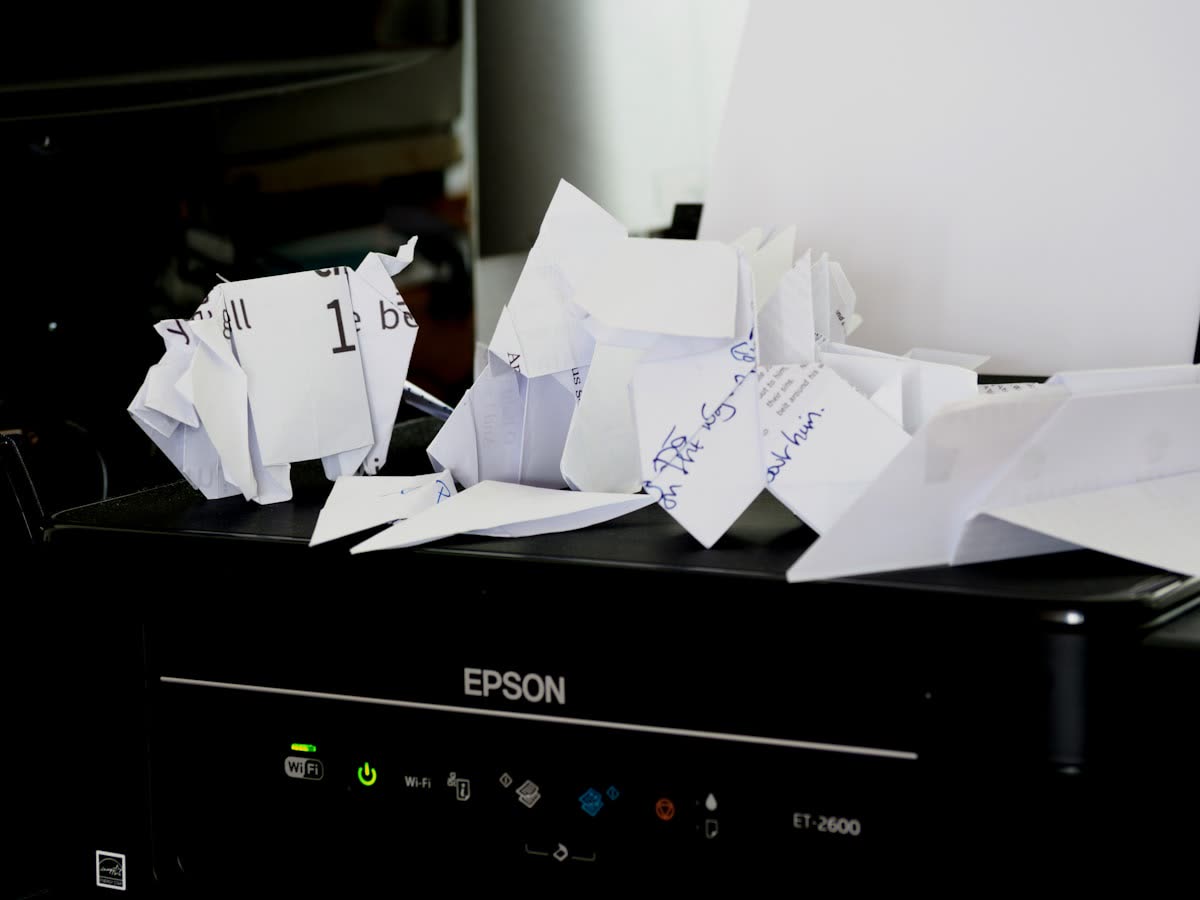
| Specification | Epson EcoTank ET-2800 | Canon PIXMA G7020 (MegaTank) |
|---|---|---|
| Typical street price | Around 199 USD | Around 329 USD |
| Functions | Print, scan, copy | Print, scan, copy, fax |
| Print speed (black) | Up to 10 ppm | Up to 13 ipm |
| Print speed (colour) | Up to 5 ppm | Up to 6.8 ipm |
| Print resolution | Up to 5760 x 1440 dpi | Up to 4800 x 1200 dpi |
| Connectivity | Wi-Fi, Wi-Fi Direct, USB | Wi-Fi, Ethernet, USB |
| Paper input | 100-sheet tray | 350 sheets across rear and cassette, plus 35-sheet ADF |
| Duplex | Manual only | Automatic |
| Display | 1.44 in colour LCD | 1.2 in segment LCD |
| Ink | Epson 522 bottles | Canon GI-21 bottles |
| Included ink | Up to two years of typical use | Up to 6,000 pages per set |
The economics of tank printing
The case for either machine is the same: you pay more up front and much less per page. A set of ink bottles costs a fraction of what equivalent cartridge yields cost, and the tanks hold enough that refilling is an occasional event rather than a monthly chore.
The break-even point matters. At roughly 30 pages a month, a tank printer takes years to recover its purchase premium over a cheap cartridge machine, and the printer may not last that long. At 200 pages a month, the payback arrives inside a year and everything after that is saving. Be honest about which of those you are.
Between these two specifically, the running cost difference is small. Both use bottled ink at comparable prices. The 130-dollar gap in purchase price buys features, not cheaper ink.
Paper handling: the real gap
This is where the money goes. The ET-2800 has a single 100-sheet tray and manual duplex, meaning you flip the stack yourself when prompted. For a household printing school work and letters, that is acceptable. For anyone printing reports or double-sided documents regularly it becomes tedious quickly.
The G7020 offers a rear tray and a front cassette totalling 350 sheets, automatic duplex, and a 35-sheet automatic document feeder. The ADF is the feature people underestimate - copying or scanning a ten-page document on the Epson means lifting the lid ten times.
The G7020 also has Ethernet, which the ET-2800 lacks. On a home network with an ISP router that steers devices between bands, a wired connection removes an entire category of connection problems.
Print quality

Both produce good plain-paper text and respectable photos for tank machines. The Epson's higher stated resolution and its four-colour dye setup give it a slight edge on photo gradients; the Canon's pigment black gives slightly crisper plain-paper text. In practice the difference is small enough that neither should decide your purchase.
What will decide photo quality is paper and driver settings rather than the machine. Setting glossy paper in the driver when glossy paper is loaded matters far more than the specification sheet.
What goes wrong with tank printers
Cartridge-free does not mean maintenance-free, and this is the part reviews tend to skip.
They still clog. The printhead is fixed, not part of a replaceable cartridge. If the machine sits unused for weeks, nozzles dry and you run cleaning cycles to recover them. On the Epson the head is not sold as a user-replaceable part on consumer models, so a head that cannot be recovered is effectively terminal - see Epson error 0x97 for how that tends to present.
They have waste ink systems. All those cleaning cycles go somewhere. Epson machines eventually report that parts are at the end of their service life, covered in our ink pad guide. Canon machines produce support code 5B00. Both are capacity limits, and cheap ink encourages the cleaning habits that bring them forward.
Ink level sensing is approximate. Tank printers estimate consumption rather than measuring it. Check the physical tank windows rather than trusting the software readout, especially after a run of cleaning cycles.
Setup and software
Epson setup runs through Epson Smart Panel and is generally straightforward, though most EcoTank models are 2.4 GHz only, which causes trouble on routers with a single merged network name. Canon setup uses the Canon PRINT app, with Ethernet available as a fallback on the G7020.
On both, the initial ink charging cycle after first filling the tanks takes several minutes and uses a noticeable amount of ink. That is normal and only happens once.
For ongoing management, both expose a built-in web page at the printer's IP address, which is worth bookmarking - it gives status and network settings without opening any app.
Adding either one to Windows or macOS
On Windows 11, install the manufacturer's full driver package before connecting, then open Settings, then Bluetooth & devices, then Printers & scanners and confirm the printer appears once rather than as duplicate entries. Select it, open Printer properties, and check the driver name on the Advanced tab - if Windows has substituted its generic "IPP Class Driver", you lose scanning, ink level reporting and maintenance functions, and you should reinstall the vendor driver. If jobs stall rather than print, press Windows+R, run services.msc, right-click Print Spooler and choose Restart.
On macOS 26 Tahoe, open System Settings, then Printers & Scanners, click the plus button and pick the printer, preferring the Bonjour entry over a raw IP address. Then open System Settings, then Privacy & Security, then Local Network, and grant permission to Epson or Canon software - since macOS began gating local network access, this is the most common reason scanning software cannot find a printer that prints perfectly well.
For the G7020, using Ethernet and a DHCP reservation in the router is the most reliable arrangement available and removes an entire category of future problems. The ET-2800 has no Ethernet, so a static IP set on the printer is the next best thing.
Which should you buy?
Buy the Epson EcoTank ET-2800 if you want the cheapest route into cartridge-free printing, you print plain documents and occasional photos, you rarely copy multi-page originals, and manual duplex does not bother you.
Buy the Canon PIXMA G7020 if you run a small business or a busy household, need an ADF and fax, want automatic duplex, and value the larger paper capacity and Ethernet connection. The extra money buys workflow, not ink savings.
If neither is right for you
Two honest caveats. First, if your printing is mostly black text, a mono laser is cheaper still per page, never clogs, and has no waste ink system to fill - see inkjet versus laser printers. Tank printers win on colour volume, not on text.
Second, if you print rarely, no tank printer will pay back its premium before its own maintenance limits arrive. Our guide to ink tank versus cartridge printers walks through the break-even calculation with numbers, and our cost-reduction guidance covers the wider picture.
If you already own one of these and it is clogging, refusing to recognise ink levels or throwing a waste ink message, the choice between repair and replacement is not always obvious - you can get help from a printer specialist to work out which side of the line your machine is on.
See also the Epson support hub.
Software mentioned in this guide
- Canon IJ Setup (ij.start.canon)
Canon's setup portal that walks you through installing a PIXMA or MAXIFY printer Windows · macOS · iOS - Canon PRINT
Canon's single mobile app for printing, scanning and printer setup iOS · Android - Epson Smart Panel
Epson's current mobile app for setup, printing, scanning and ink levels iOS · Android - Epson Software Updater
Keeps Epson drivers, utilities and firmware current on Windows and macOS Windows · macOS - Windows printer settings
How Windows installs printers, and the shift to driverless Windows Ready Print Windows
Frequently asked questions
Is the Canon G7020 worth the extra money over the EcoTank ET-2800?
If you need the automatic document feeder, fax, automatic duplex or the larger paper capacity, yes. The extra money buys workflow features, not cheaper ink - the running costs of the two are broadly comparable.
Do ink tank printers still clog?
Yes. The printhead is fixed and dries out if the machine sits unused, exactly like any inkjet. Cheap ink makes cleaning cycles feel free, but they fill the waste ink system faster, which brings forward a hard stop later in the printer's life.
How many pages a month do I need to print to justify a tank printer?
Roughly 30 pages a month is the floor where the higher purchase price starts to pay back within a sensible timeframe. At 200 pages a month the payback arrives within about a year.
Does the EcoTank ET-2800 do double-sided printing?
Only manually. The driver prints one side, then prompts you to reload the stack. The Canon G7020 has automatic duplex, which is one of the main reasons for its higher price.
Which has better photo quality?
The Epson has a slight edge on photo gradients thanks to its dye ink setup and higher stated resolution, while the Canon's pigment black gives crisper plain-paper text. The difference is small enough that paper and driver settings matter more.
Do tank printers have a waste ink limit?
Yes. Epson machines eventually report that parts inside are at the end of their service life, and Canon machines report support code 5B00. Both are waste ink capacity limits, and both are made worse by frequent cleaning cycles.
Technical writer focused on printer drivers, wireless setup and error-code troubleshooting.


Questions & comments (0)
No comments yet. Describe your printer model, operating system and the exact message you see; comments appear after review.
Ask about this page
Your comment appears after our team approves it. Or sign in to post faster.