Epson Error 0x97: What It Means and 6 Fixes to Try Before You Replace the Printer
Error 0x97 is Epson's generic internal fault code. A full power reset and a carriage check fix a minority of cases; the rest are main-board or printhead failures where repair economics matter.

On this page
- Quick fixes first
- What error 0x97 actually means
- Fix 1: The full power-drain reset, done properly
- Fix 2: Clear the carriage path and check the transport lock
- Fix 3: Reseat cartridges or check the EcoTank ink lines
- Fix 4: Rule out the computer side
- Fix 5: Update firmware while the printer is still reachable
- Fix 6: Restore default settings
- Epson error codes you may see alongside 0x97
- If nothing worked: the honest repair maths
Epson error 0x97 is a fatal internal error: the printer's firmware detected a fault it cannot recover from and halted. On most WorkForce, Expression and EcoTank models it points to the main logic board or the printhead assembly, though a jammed carriage or a piece of debris can trigger the same code. A full power-drain reset clears it in a minority of cases, and those cases are worth chasing before you spend money.
Quick fixes first
- Turn the printer off at the panel, then unplug the power cable from the wall - not just from the back of the printer.
- With the cable out, press and hold the printer's power button for 60 seconds. This drains residual charge from the board and clears the latched error state.
- Leave it unplugged for a further 10 minutes. Do not skip this; the capacitors need time.
- Open the scanner lid or front cover and look at the carriage. Slide it gently by hand from side to side and remove any paper scrap, packing tape or foam you find.
- Plug directly into a wall socket (not a surge strip or extension lead), power on, and watch the panel through the whole start-up sequence.
What error 0x97 actually means

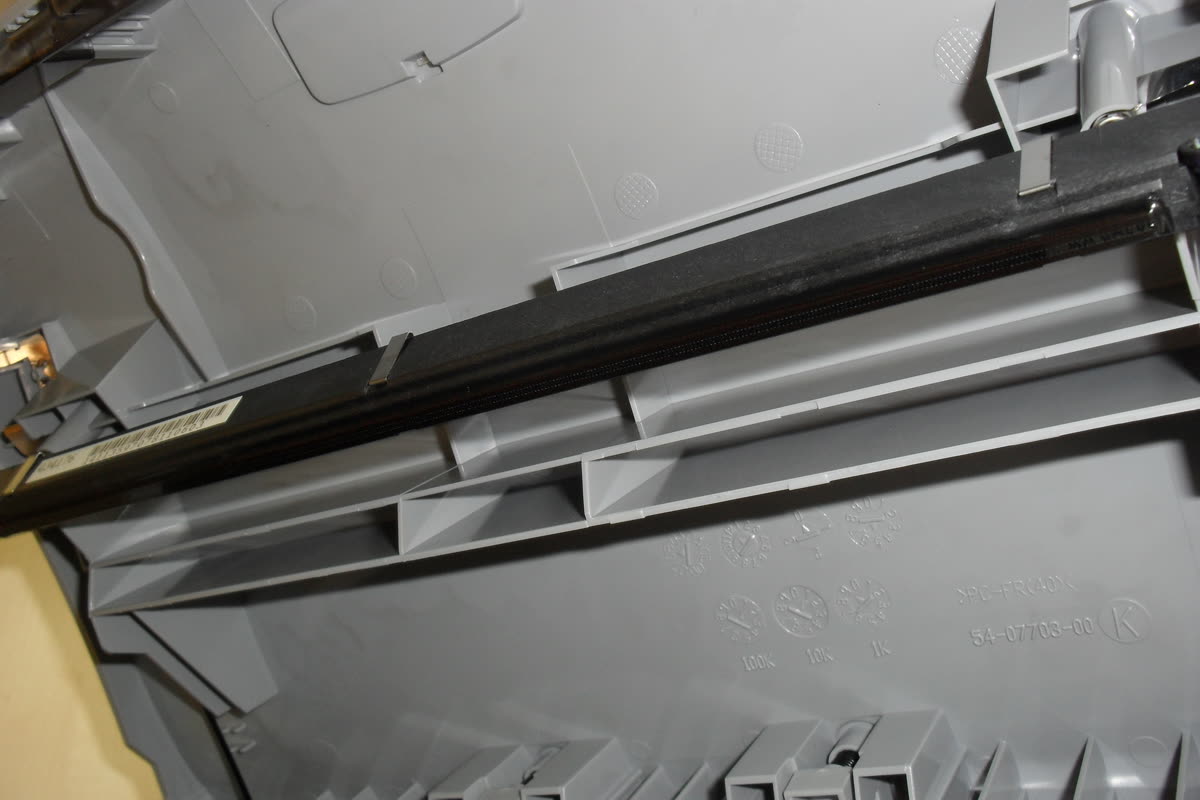
Epson does not publish a per-component meaning for its hexadecimal fatal errors, which is why the on-screen text is a bland "A printer error has occurred. Turn power off and on again. For details, see your documentation." The code is an internal exception identifier, and 0x97 is by far the most commonly reported of the family. In field terms it has three realistic causes.
Main board failure. This is the majority case, particularly on machines three to six years old that have printed steadily. A driver chip or a power regulation component on the board fails, the firmware detects an out-of-range condition on the motor or head circuit, and it halts. No reset will bring this back for more than a few minutes.
Printhead failure. The head itself can develop an electrical short, often after a long idle period where dried ink caused a nozzle plate problem. The board reads the fault current and halts. Symptoms usually include the error appearing at the moment the carriage tries to move.
Mechanical obstruction. A torn strip of paper wedged under the carriage, an unremoved orange transport lock on a new machine, or a foreign object in the paper path can stall the carriage motor. The firmware interprets the stall as a fatal condition. This is the one you can genuinely fix at home.
Fix 1: The full power-drain reset, done properly
Most people do a half-reset and conclude it does not work. The full sequence matters. Power off at the panel and wait for the machine to finish parking the head. Unplug from the wall. Hold the power button down for a full 60 seconds - you are discharging the board, and the button does nothing electrically, it just completes the drain path on many models. Wait 10 minutes. Reconnect directly to a wall outlet. Power on.
If your printer is on a shared network, also power-cycle nothing else at this stage. You are testing the printer in isolation, and adding variables makes the result meaningless.
Fix 2: Clear the carriage path and check the transport lock
Power the printer off first. Open the scanner unit or the front cover so the carriage area is exposed. On most WorkForce models the carriage parks at the right. Move it gently left with a flat hand on the plastic housing - never pull on the ink lines of an EcoTank. Shine a torch along the carriage rail and the belt.
Look for: torn paper edges, a label peeled off a sheet, staples, a coin or a child's toy, and on newly unboxed printers any orange or blue transport tape and the shipping lock. EcoTank models also have a transport lock switch near the ink tanks that must be in the printing position. Remove anything that is not part of the printer and wipe the carriage rail with a dry lint-free cloth, then a trace of light machine oil if it is visibly dry and scored.
Fix 3: Reseat cartridges or check the EcoTank ink lines

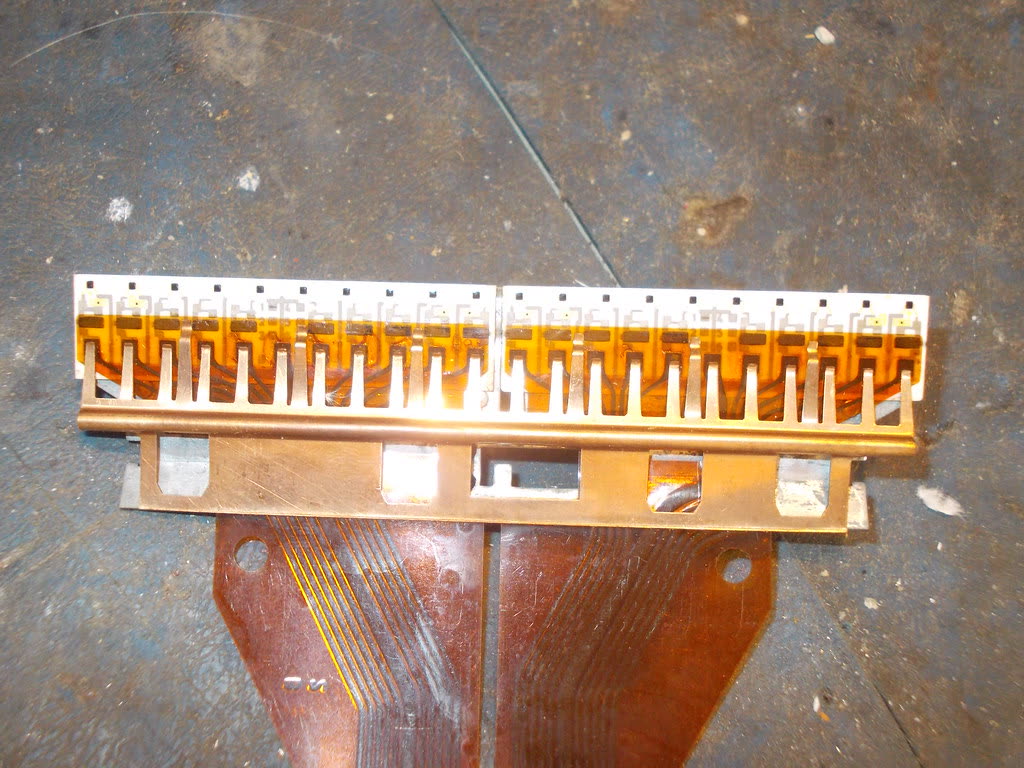
On cartridge models, power off, open the lid, wait for the carriage to reach the centre, and remove each cartridge. Check the gold contact pads for ink smears and wipe them with a dry lint-free cloth. Reseat each one until it clicks. A cartridge that is fractionally proud can cause a carriage stall.
On EcoTank models, look at the ink tubes running to the carriage. If they are pinched, kinked or trapped under the carriage at either end of travel, that mechanical drag can trigger the error. The tubes should follow a smooth loop with no tension at either extreme.
Fix 4: Rule out the computer side
0x97 is a printer-side error and appears on the printer's own panel, so a computer is almost never the cause. It is still worth confirming the printer will fail without any computer attached: disconnect the USB cable, or power off the router, and restart the printer. If 0x97 appears with nothing connected, the fault is entirely internal.
If you also see errors in Windows, clear them so they do not confuse the picture. On Windows 11, open Settings, then Bluetooth & devices, then Printers & scanners, select your Epson, and open the print queue to cancel stuck jobs. If jobs will not clear, press Windows+R, type services.msc, right-click Print Spooler and choose Restart. On macOS 26 Tahoe, go to System Settings, then Printers & Scanners, select the printer and clear the queue; if the printer is stuck, right-click it in the list and choose Reset printing system as a last resort.
Fix 5: Update firmware while the printer is still reachable

If the printer boots to Ready between failures, install the current firmware. Use Epson Software Updater on Windows or macOS, or on the printer panel go to Setup, then Firmware Update, then Update. A firmware defect is not a common cause of 0x97, but an update also refreshes the machine's stored state and rules out the cheapest possible explanation.
Fix 6: Restore default settings
On models with a full menu, go to Setup, then Restore Default Settings, then Clear All Data and Settings. This wipes network configuration and stored contacts, so note your Wi-Fi details first. It will not repair hardware, but it removes any corrupt stored configuration from the equation before you spend money on a diagnosis.
Epson error codes you may see alongside 0x97
| Code | What it generally indicates | First thing to try |
|---|---|---|
| 0x97 | Fatal internal error - main board or printhead | Full power-drain reset, carriage check |
| 0x9A | Carriage cannot move freely | Clear obstruction, check transport lock |
| 0xE8, 0xEA, 0xF1 | Other fatal internal errors in the same family | Same reset and obstruction checks |
| W-01 | Paper jam | Clear the path front and rear |
| W-11 | Ink pads near end of service life | See the ink pad guide below |
| E-01 | Fatal error, printer will not start | Power-drain reset, then service |
If your panel shows a code not listed here, write it down exactly as displayed. Epson uses several code formats and a technician needs the precise string. Our printer error code index covers the wider list.
If nothing worked: the honest repair maths
Persistent 0x97 is a main-board or printhead failure in the large majority of cases, and both are expensive parts. A replacement main board for a mid-range WorkForce, plus fitting, commonly lands close to or above the price of a new machine of the same class. A printhead is worse - on many consumer Epson models the head is not sold as a spare part at all, so a repairer has to harvest one, and the labour to strip and rebuild the chassis is substantial.
The practical rule: if the printer is out of warranty, and a diagnosis plus parts is quoted at more than about half the current street price of an equivalent new model, replacing is the rational choice. Print what you can from the machine first - Epson's network settings and any stored fax logs are lost with the unit. If it is under warranty, stop troubleshooting and open a claim, because opening the chassis can void it.
Before you write the printer off, it is worth one conversation with someone who has seen the failure pattern hundreds of times - some 0x97 reports turn out to be a wedged scrap that a torch and patience will find. You can get help from a printer specialist to confirm the diagnosis before spending anything.
Related reading: Epson ink pad end of service life, Epson communication error, and the full Epson support hub.
Software mentioned in this guide
- Epson Smart Panel
Epson's current mobile app for setup, printing, scanning and ink levels iOS · Android - Epson Software Updater
Keeps Epson drivers, utilities and firmware current on Windows and macOS Windows · macOS - Windows printer settings
How Windows installs printers, and the shift to driverless Windows Ready Print Windows - macOS Printers and Scanners
Where macOS adds printers, scans documents and resets the printing system macOS
Frequently asked questions
Can I fix Epson error 0x97 myself?
Sometimes. If the cause is a jammed carriage, a paper scrap or an unremoved transport lock, a careful clean-out and a full power-drain reset will clear it. If the cause is the main board or printhead, there is no home fix - the error will return within minutes of every reset.
How long should I leave an Epson printer unplugged to reset it?
Unplug it at the wall, hold the power button for 60 seconds while it is unplugged, then leave it disconnected for at least 10 minutes. Shorter waits often fail because the board has not fully discharged.
Is error 0x97 covered by Epson's warranty?
Yes, if the printer is still within its warranty period, 0x97 is a hardware fault and should be handled as a warranty claim. Do not open the chassis or attempt internal repairs first, as that can invalidate cover.
Is it worth repairing a printer with error 0x97?
Usually not on consumer models. A replacement main board plus labour typically approaches or exceeds the price of a new printer of the same class, and printheads are often not available as spare parts at all. On higher-end business models a repair can still make sense.
Does error 0x97 mean I need a new printhead?
Not necessarily. 0x97 is a generic fatal error covering board faults, printhead faults and severe mechanical stalls. Only a technician reading the internal service log can tell which, which is why a blind printhead purchase is a bad bet.
Will resetting the waste ink counter fix 0x97?
No. Waste ink pad saturation produces its own distinct message about parts reaching the end of their service life, not 0x97. Counter reset utilities have no effect on a fatal internal error.
IT support veteran who breaks down messy printer problems into simple, ordered fixes.
Questions & comments (0)
No comments yet. Describe your printer model, operating system and the exact message you see; comments appear after review.
Ask about this page
Your comment appears after our team approves it. Or sign in to post faster.