Dymo · LabelManager handheld label makers
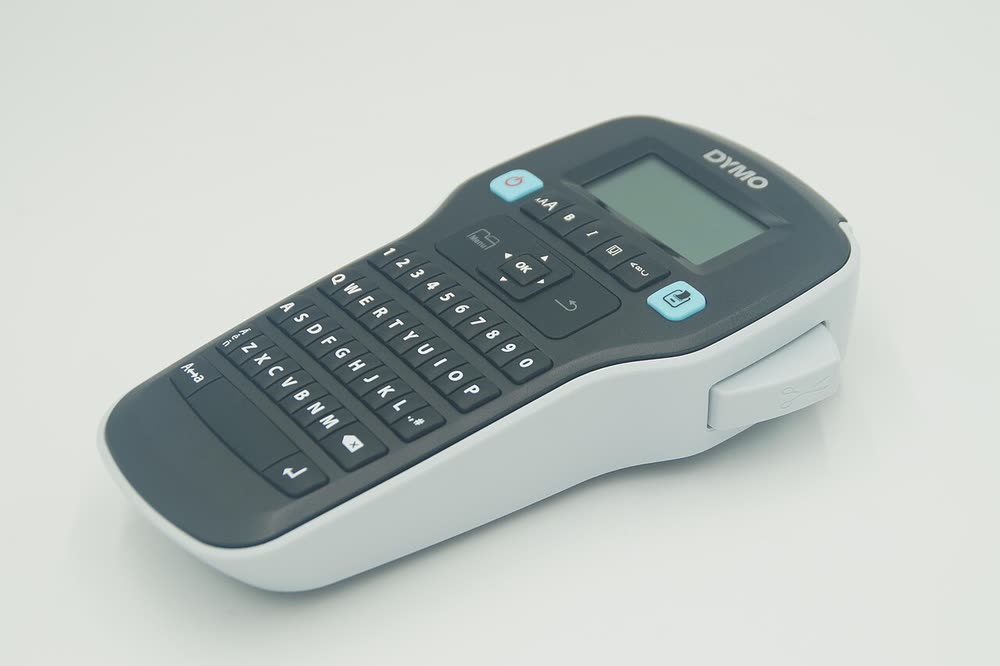
Dymo LabelManager 280
Office users who want a handheld label maker that also prints from a PC
The LabelManager 500TS was Dymo's flagship handheld with a colour touchscreen and support for the full 24 mm tape width, aimed at users who wanted to design labels with graphics without a PC. It is discontinued, though many remain in schools and offices. The touchscreen ages poorly and can become unresponsive, and the battery is a known weak point.
Sold in Worldwide
The LabelManager 500TS was Dymo's flagship handheld with a colour touchscreen and support for the full 24 mm tape width, aimed at users who wanted to design labels with graphics without a PC. It is discontinued, though many remain in schools and offices. The touchscreen ages poorly and can become unresponsive, and the battery is a known weak point.
Best for: Users wanting a standalone touchscreen label maker for wide tapes
Charge before first use and set the language on the touchscreen. For PC printing, install Dymo Connect first and connect USB; the 500TS appears as a tape printer. Calibrate the touchscreen from the settings menu if taps start registering in the wrong place.
The Dymo LabelManager 500TS uses the following consumables. Match the number exactly when you buy: the same printer family often uses several different cartridge numbers by region.
High-yield (XL) versions almost always cost less per page if you print regularly. On third-party ink and toner, read our honest assessment first, and note that some manufacturers push firmware that rejects non-original chips.
| Print Speed | Manual, single label at a time |
|---|---|
| Resolution | 180 dpi |
| Duplex | None |
| Adf | None |
| Paper Capacity | D1 tape cassettes 6 to 24 mm |
| Display | Colour touchscreen |
| Connectivity | USB |
| Mobile | |
| Os | Windows 11/10, macOS |
| Dimensions | 8.0 x 4.0 x 2.2 in |
| Weight | 1.1 lb |
| Extra | Touchscreen label maker with clip art and 24 mm tape support; rechargeable |
| Functions |
Every link goes to the manufacturer or an official app store. We never host modified installers.
No reviews yet. If you own this model, share what works and what does not.
Reviews appear after moderation.
Office users who want a handheld label maker that also prints from a PC
Home and office organisers wanting a simple handheld label maker
Facilities staff printing larger labels for shelving and equipment
Offices that want automatic label detection and buy genuine Dymo stock
Share your screen, we diagnose the driver, Wi-Fi or firmware problem and fix it while you watch. One affordable annual plan covers every printer in your home or office.
Questions & comments (0)
No comments yet. Describe your printer model, operating system and the exact message you see; comments appear after review.
Ask about this page
Your comment appears after our team approves it. Or sign in to post faster.