Brother "Drum End Soon" and "Replace Drum": Clean, Reset or Replace?
The drum unit is separate from the toner on Brother lasers and has its own counter. Cleaning the corona wire fixes many quality complaints; a proper reset clears the message after replacement.

On this page
On Brother lasers the drum unit is a separate consumable from the toner cartridge, with its own rated life of roughly 12,000 to 15,000 pages depending on model. "Drum End Soon" is a page-count warning, not a wear measurement, so it can appear on a drum that still prints perfectly. "Replace Drum" is the harder message and usually arrives with visible print defects. Both are cleared by resetting the counter - but only after you have decided whether the drum genuinely needs replacing.
Quick fixes first
- Open the front cover and remove the drum and toner assembly together, keeping it level.
- Find the green tab on the drum frame. Slide it fully to the right, fully to the left, and back to the centre home position. Repeat three times.
- Separate the toner cartridge from the drum using the green release lever, then reseat it until it clicks.
- Refit the assembly, close the cover firmly, and print a test page.
- If the page is clean, the drum is fine and you only need to decide whether to reset the counter or let the warning run.
What the drum unit actually does

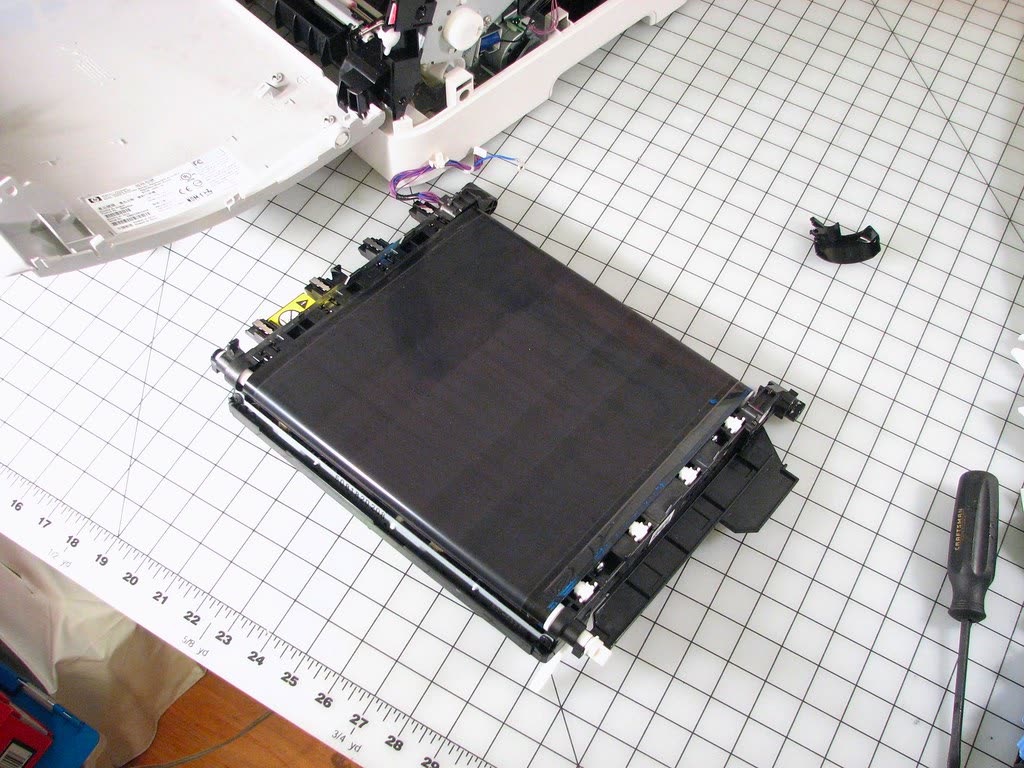
A laser printer works in two stages. The laser writes an invisible electrostatic image onto a rotating photoconductive drum. Toner is then attracted to the charged areas and transferred to the paper, where the fuser melts it in place. The toner cartridge holds the powder; the drum holds the image.
The drum wears in two ways. The photoconductive coating degrades with each rotation and gradually loses its ability to hold a clean charge, which shows up as grey background or faint ghosting. And the corona wire, which applies the charge, collects toner dust that causes uneven charging - the classic symptom being a sharp vertical line down every page.
Brother counts drum rotations to estimate life. Because short jobs rotate the drum for a full cycle regardless of page count, machines that print one page at a time wear their drums faster per page than machines printing long documents.
Fix 1: Clean the corona wire properly
This solves more Brother drum complaints than anything else and takes twenty seconds. With the assembly out of the printer, locate the green tab on the top of the drum frame. Slide it smoothly from one stop to the other and back, several times. Then - critically - return it to the home position, usually marked with an arrow or a triangle.
Leaving the tab off-centre is itself a cause of streaking, and a surprising number of "faulty drum" reports are a tab that was left at one end after a previous clean.
Fix 2: Diagnose from the print defect
The pattern on the page tells you which part is at fault.
| Defect on the page | Likely cause | Action |
|---|---|---|
| Single sharp vertical line, full length | Corona wire contamination | Slide the green tab; usually fixes it immediately |
| Repeating dots or marks at a regular interval | Damage or debris on the drum surface | Inspect the drum; likely replacement |
| Grey background across the whole page | Worn drum coating, or spilt toner | Clean, then replace the drum if it persists |
| Pale or faded print overall | Toner low, not a drum fault | See our Brother toner guide |
| White vertical band | Toner distribution or an obstruction in the light path | Rock the cartridge; check the laser window |
| Smudging that rubs off | Fuser problem, not the drum | Service item |
The repeating-interval test is the definitive one. Print a page of solid black at low coverage, measure the distance between repeating marks, and if it is consistent all the way down the sheet, a rotating component is transferring the defect. On Brother mono lasers that is almost always the drum.
Fix 3: Reset the drum counter

After fitting a new drum unit, the counter must be reset manually - Brother drums do not carry a chip that does this automatically on most mono models. If you skip it, the printer keeps counting from the old drum's total and the message returns.
The general method: with the printer powered on, open the front cover and leave it open. Press and hold the confirmation button until the display responds - on LCD models this is OK, and on models with a menu the display then offers a drum reset confirmation you accept with the up arrow or the 1 key. On models without an LCD, the equivalent is holding the Go button until the panel LEDs acknowledge. Close the cover and confirm the message has gone.
Some models place the function in a menu instead: Menu, then Machine Info, then Reset Menu, then Drum. Because Brother varies this between model families, look up the exact sequence for your model number rather than borrowing one from a similar machine.
Fix 4: Decide whether to replace
If prints are clean after a corona wire clean, the drum is doing its job and a Drum End Soon warning is advisory. You can reset the counter once, keep printing, and watch for defects. That is a reasonable position for a home user printing a few hundred pages a month.
If prints show repeating marks or persistent grey background, replace it. Drum units for Brother mono lasers are inexpensive relative to the printer, and a new drum restores the machine to as-new print quality. Fit the drum, transfer your existing toner cartridge into the new drum frame, and reset the counter.
Fix 5: Check the status from your computer
To see estimated drum life without standing at the printer, use Brother's status monitor or the machine's web management page - type the printer's IP address into a browser and look under Status or Maintenance. On Windows 11, you can also open Settings, then Bluetooth & devices, then Printers & scanners, select the Brother, and check the printer's properties. If Windows shows stale information, press Windows+R, run services.msc, and restart Print Spooler. On macOS 26 Tahoe, open System Settings, then Printers & Scanners, select the printer and check Options & Supplies, then Supply Levels.
Making the next drum last
Three habits extend drum life materially. Print in batches rather than one page at a time, because each job spins the drum through a full start-up and shutdown cycle regardless of length. Keep the machine out of direct sunlight and away from heat sources. And use quality toner - cheap powder with inconsistent particle size abrades the drum coating and shortens its life measurably. Our third-party ink and toner guide covers how to judge suppliers, and printer maintenance tips covers the wider routine.
If nothing worked
If a brand new drum, correctly reset, still produces marks, the fault lies elsewhere - most commonly the fuser (smudging that rubs off), a scratched transfer roller (marks on the reverse of the page), or a contaminated laser scanner window inside the machine. The laser window is worth checking yourself: it is a narrow glass strip visible when the drum assembly is removed, and a dry lint-free wipe along it sometimes solves a stubborn white band.
Beyond that, you are into service territory. Brother mono lasers are cheap to repair relative to their working life, so a fuser replacement on a well-used HL or MFC machine is often a reasonable spend rather than an automatic write-off. Get a quote before deciding, and if you want a second opinion on whether the drum is genuinely the problem, you can get help from a printer specialist.
Related: Brother replace toner, streaks and lines on prints, and the Brother support hub.
Software mentioned in this guide
- Brother Full Driver and Software Package
The complete driver, scanner and utility bundle for a specific Brother model Windows · macOS - Brother Mobile Connect
Brother's current mobile app for setup, printing, scanning and supplies iOS · Android - Brother iPrint and Scan
Desktop print and scan front end that replaces ControlCenter4 on newer Brother models Windows · macOS · iOS - Windows printer settings
How Windows installs printers, and the shift to driverless Windows Ready Print Windows - macOS Printers and Scanners
Where macOS adds printers, scans documents and resets the printing system macOS
Frequently asked questions
What is the difference between the toner cartridge and the drum unit?
The toner cartridge holds the powder that forms the image; the drum unit is the photoconductive cylinder the laser writes onto. They are separate parts with separate counters and separate replacement intervals - a drum typically lasts several toner cartridges.
How do I reset the drum counter on a Brother printer?
The general method is to open the front cover with the printer powered on, hold the OK button (or Go on models without an LCD) until the display acknowledges, confirm the drum reset if prompted, then close the cover. Some models place it under Menu, Machine Info, Reset Menu instead.
Can I keep printing after Drum End Soon appears?
Yes. It is a page-count warning rather than a failure. If your prints are clean after sliding the green corona wire tab, the drum is working and you can continue, watching for repeating marks that indicate genuine wear.
What does sliding the green tab do?
It cleans the corona wire that applies the electrostatic charge to the drum. Toner dust collects on the wire and causes a sharp vertical line down every page. Sliding the tab end to end and returning it to the home position removes the dust.
How do I know if my drum really needs replacing?
Look for marks that repeat at a consistent interval down the page, or persistent grey background that survives a corona wire clean. Faded print overall is a toner symptom, not a drum symptom.
Is it safe to reset the drum counter without replacing the drum?
Once, to clear a premature warning on a drum that is printing cleanly, it is fine. Repeatedly resetting a genuinely worn drum leads to poor print quality and can contaminate the toner cartridge with drum debris.
Printer and home-networking specialist who has set up hundreds of inkjet and laser printers across Windows and macOS.
Questions & comments (0)
No comments yet. Describe your printer model, operating system and the exact message you see; comments appear after review.
Ask about this page
Your comment appears after our team approves it. Or sign in to post faster.