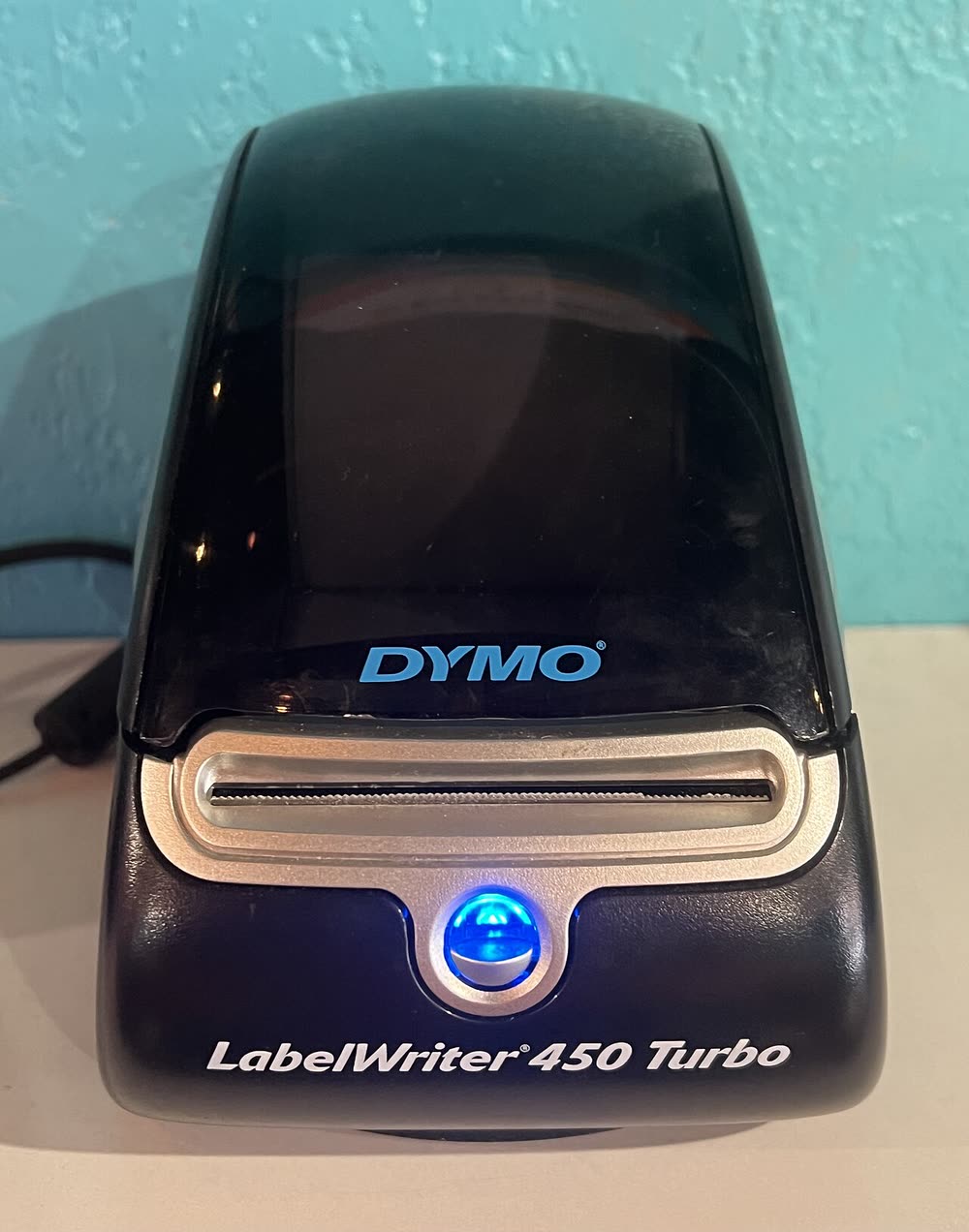
Dymo · LabelWriter 450 series
Dymo LabelWriter 450 Turbo
eBay and marketplace sellers printing shipping labels quickly
The LabelWriter 450 is the most widely owned Dymo printer of all time and is still the default address-label machine in countless offices and Etsy shops. It is direct thermal, USB-only and accepts third-party labels, which is the main reason many owners keep it instead of upgrading to the chip-locked 550. The software situation is the thing to watch: the old DYMO Label software is no longer updated, and Dymo Connect on newer macOS releases can be temperamental with this model.
Sold in Worldwide
The LabelWriter 450 is the most widely owned Dymo printer of all time and is still the default address-label machine in countless offices and Etsy shops. It is direct thermal, USB-only and accepts third-party labels, which is the main reason many owners keep it instead of upgrading to the chip-locked 550. The software situation is the thing to watch: the old DYMO Label software is no longer updated, and Dymo Connect on newer macOS releases can be temperamental with this model.
Best for: Home offices and small sellers printing address and barcode labels
Install Dymo Connect for Desktop (or the legacy DYMO Label v8 software if you prefer it), then plug in USB and wait for Windows to finish adding the printer. Load the roll with labels feeding from the bottom and the print side facing up, and run the feed button once to align. If prints come out blank, the roll is in backwards.
The Dymo LabelWriter 450 uses the following consumables. Match the number exactly when you buy: the same printer family often uses several different cartridge numbers by region.
High-yield (XL) versions almost always cost less per page if you print regularly. On third-party ink and toner, read our honest assessment first, and note that some manufacturers push firmware that rejects non-original chips.
| Print Speed | Up to 51 labels per minute |
|---|---|
| Resolution | 600 x 300 dpi |
| Duplex | None |
| Adf | None |
| Paper Capacity | Dymo LabelWriter rolls up to 2.25 in (56 mm) wide |
| Display | Status LED |
| Connectivity | USB |
| Mobile | |
| Os | Windows 11/10, macOS |
| Dimensions | 5.0 x 7.3 x 5.3 in |
| Weight | 1.6 lb |
| Extra | Direct thermal; replaced by the LabelWriter 550; works with any brand of compatible labels unlike the 550 |
| Functions |
Every link goes to the manufacturer or an official app store. We never host modified installers.
| Code or message | What it means |
|---|---|
| LED flashing | Label roll not loaded correctly or no labels detected; reload so labels feed from underneath |
No reviews yet. If you own this model, share what works and what does not.
Reviews appear after moderation.
eBay and marketplace sellers printing shipping labels quickly
Mailrooms wanting two label sizes ready without changing rolls
Offices and IT teams labelling both envelopes and cables from one desk printer
Offices that want automatic label detection and buy genuine Dymo stock
Share your screen, we diagnose the driver, Wi-Fi or firmware problem and fix it while you watch. One affordable annual plan covers every printer in your home or office.
Questions & comments (0)
No comments yet. Describe your printer model, operating system and the exact message you see; comments appear after review.
Ask about this page
Your comment appears after our team approves it. Or sign in to post faster.