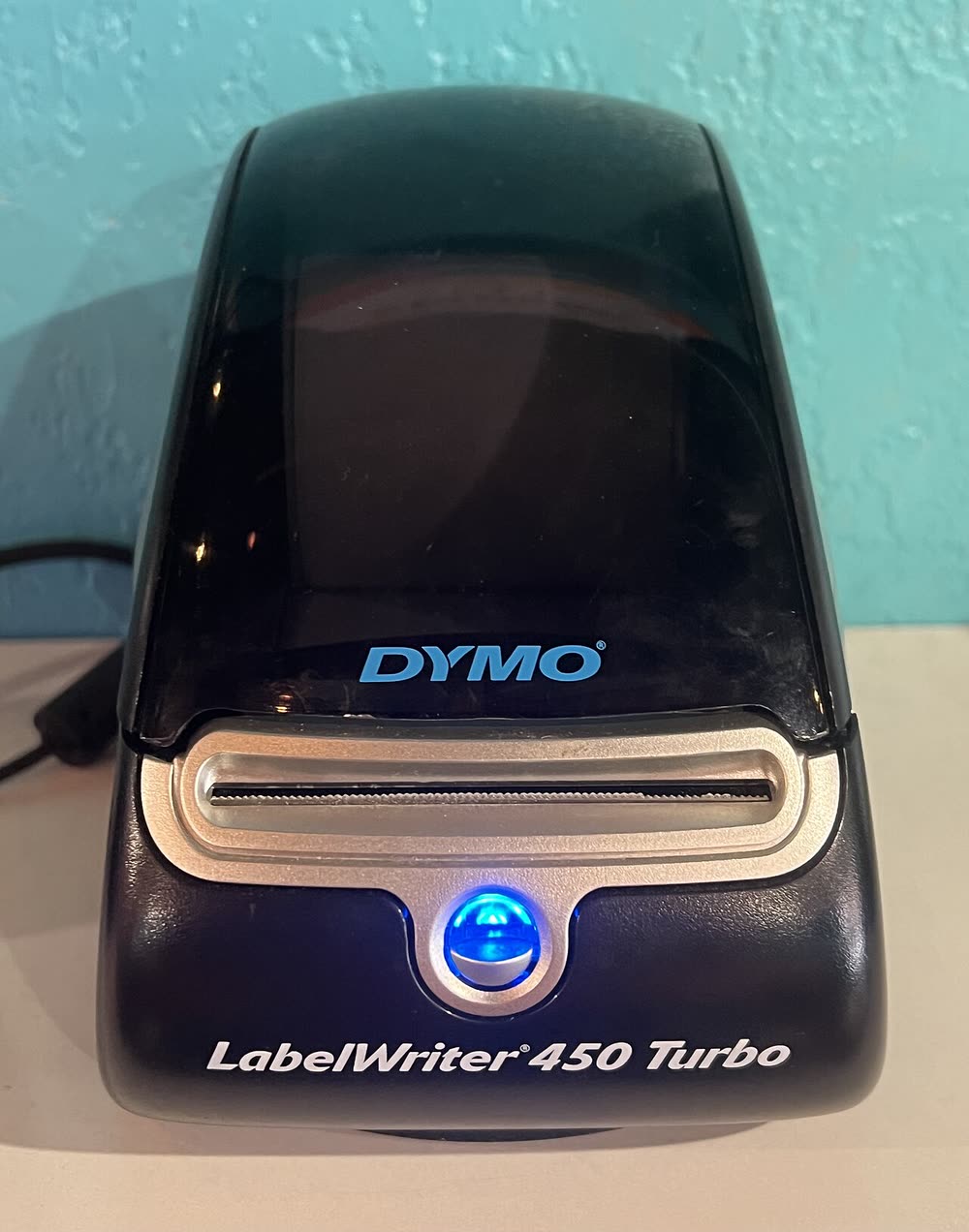
Dymo · LabelWriter 450 series
Dymo LabelWriter 450
Home offices and small sellers printing address and barcode labels
The 450 Turbo was the faster, shipping-oriented version of the LabelWriter 450 and became the classic eBay seller's printer for 2-1/8 x 4 inch shipping labels. It prints about 40 percent faster than the basic 450 and works with any compatible labels. Like its sibling it has been replaced by the 550 Turbo, but used units are plentiful and remain supported by Dymo Connect.
Sold in Worldwide
The 450 Turbo was the faster, shipping-oriented version of the LabelWriter 450 and became the classic eBay seller's printer for 2-1/8 x 4 inch shipping labels. It prints about 40 percent faster than the basic 450 and works with any compatible labels. Like its sibling it has been replaced by the 550 Turbo, but used units are plentiful and remain supported by Dymo Connect.
Best for: eBay and marketplace sellers printing shipping labels quickly
Install Dymo Connect before plugging in the USB cable, then add the printer and set the label type to match the roll. For shipping platforms, choose the 'Dymo 4x6' or '2-1/8 x 4' option in the platform's print settings rather than the generic driver. If Windows shows the printer offline, unplug it, restart the Dymo service and reconnect.
The Dymo LabelWriter 450 Turbo uses the following consumables. Match the number exactly when you buy: the same printer family often uses several different cartridge numbers by region.
High-yield (XL) versions almost always cost less per page if you print regularly. On third-party ink and toner, read our honest assessment first, and note that some manufacturers push firmware that rejects non-original chips.
| Print Speed | Up to 71 labels per minute |
|---|---|
| Resolution | 600 x 300 dpi |
| Duplex | None |
| Adf | None |
| Paper Capacity | Dymo LW rolls up to 2.25 in wide |
| Display | Status LED |
| Connectivity | USB |
| Mobile | |
| Os | Windows 11/10, macOS |
| Dimensions | 5.0 x 7.3 x 5.3 in |
| Weight | 1.6 lb |
| Extra | Faster 450 with USPS/eBay shipping label support; direct thermal; no label chip lock |
| Functions |
Every link goes to the manufacturer or an official app store. We never host modified installers.
| Code or message | What it means |
|---|---|
| LED flashing | No labels detected or roll loaded backwards |
No reviews yet. If you own this model, share what works and what does not.
Reviews appear after moderation.
Share your screen, we diagnose the driver, Wi-Fi or firmware problem and fix it while you watch. One affordable annual plan covers every printer in your home or office.
Questions & comments (0)
No comments yet. Describe your printer model, operating system and the exact message you see; comments appear after review.
Ask about this page
Your comment appears after our team approves it. Or sign in to post faster.