Best Label Printer 2026: Shipping, Address and P-touch Compared
Shipping labels, address labels and P-touch tape are three different jobs and three different machines. Here is which thermal label printer to buy for each in 2026.

On this page
- Quick picks
- How we chose
- Rollo Wireless: best shipping label printer
- MUNBYN ITPP941: best value shipping printer
- Brother QL-800 and QL-1110NWB: best for address labels
- Dymo LabelWriter 550: read this before you buy
- Zebra ZD421: best for volume
- Phomemo and Niimbot: the cheap Bluetooth option
- P-touch tape: a different technology
- Colour label printing in 2026
- What to avoid
- Verdict
A label printer is one of the few purchases where the wrong choice is obvious within a week. Buy a 4x6 thermal shipping printer for address labels and you waste media; buy a Dymo for shipping labels and you fight the roll width; buy a Bluetooth pocket printer for carrier labels and the courier's scanner will reject them.
The three jobs are shipping labels (4 x 6 inches, carrier barcodes, high volume), address and file labels (small rolls, office use), and P-touch style laminated tape (cables, shelves, equipment). This guide covers all three and names the machines worth buying in 2026.
Quick picks
| Model | Type | Best for | Approx price |
|---|---|---|---|
| Rollo Wireless Printer | 4x6 direct thermal | Best shipping label printer overall | USD 180-230 / GBP 160-200 |
| MUNBYN ITPP941 | 4x6 direct thermal | Best value shipping printer | USD 130-180 / AUD 199-269 |
| Brother QL-800 | Address labels, DK rolls | Best office address printer | USD 100-130 / GBP 90-120 |
| Brother QL-1110NWB | Wide rolls to 4 inches, network | Address plus shipping on one machine | USD 250-330 |
| Dymo LabelWriter 550 / 550 Turbo | Address labels | Existing Dymo users only | USD 100-160 / GBP 90-140 |
| Zebra ZD421 | Industrial desktop thermal | Warehouses, hundreds of labels a day | USD 400-550 |
| Phomemo M110 / M120 | Bluetooth mini thermal | Jars, boxes, small-batch product labels | USD 40-70 |
| Niimbot B1 / B21 | Bluetooth mini thermal | Cheapest usable label printer | USD 30-60 |
| Brother P-touch Cube Plus PT-P710BT | Laminated tape | Cables, shelves, durable labels | USD 80-110 |
How we chose

- Media cost and lock-in. This is the whole game. A printer that only accepts chipped proprietary labels costs three to five times more per label over its life than one that takes generic rolls.
- Carrier compatibility. The label must print at true 203 dpi or better with a scannable barcode at 4 x 6 inches for USPS, Royal Mail, Canada Post, Australia Post, An Post, NZ Post, UPS, FedEx and DHL.
- Driver and software quality on Windows, macOS, iOS and Android, including whether it works from browser-based shipping platforms without a helper app.
- Throughput and print head life, measured in labels per minute and rated kilometres of media.
Rollo Wireless: best shipping label printer
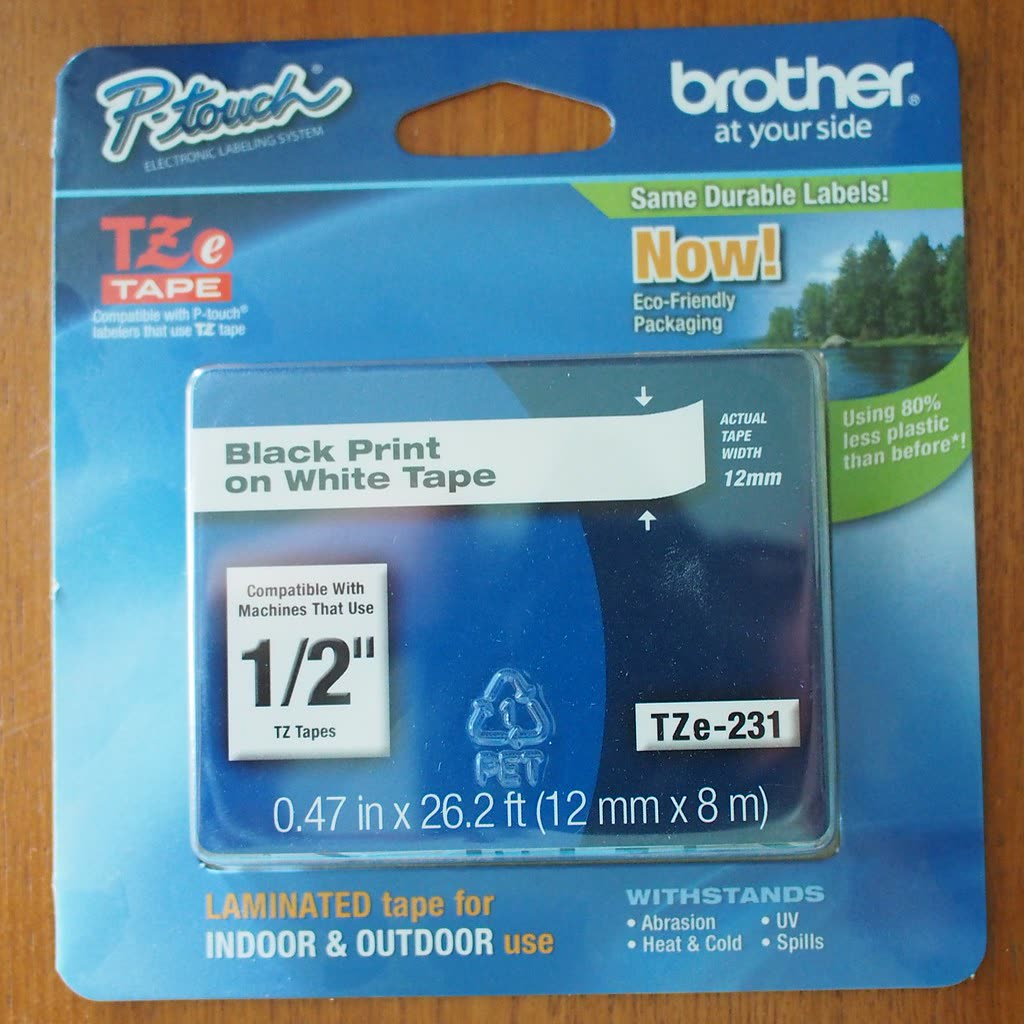
Rollo built its reputation on doing one thing properly: printing 4 x 6 shipping labels fast, from anything, on any brand of fanfold or roll stock. The current wireless model adds Wi-Fi and a mobile app to the original USB design.
Specs. 203 dpi direct thermal, up to 150 mm per second, handles both fanfold stacks and rolls, USB and Wi-Fi, works with Windows, macOS, iOS, Android and Chrome OS.
Running cost. Generic 4 x 6 direct thermal labels cost roughly 2 to 4 cents each in packs of 500 to 1,000. Rollo does not chip or restrict media, so you can buy the cheapest compliant stock you find.
Pros. No proprietary media. Genuinely fast. Prints directly from eBay, Etsy, Shopify, ShipStation and every major carrier portal without a plugin. Auto-calibrates to new label stock.
Cons. Only does 4-inch-wide labels, so it is not an address label printer. No screen. The wireless setup can be fussy on mesh networks; connect it by USB first to confirm it works, then move to Wi-Fi.
Who it suits. Anyone shipping ten or more parcels a week from home or a small warehouse.
MUNBYN ITPP941: best value shipping printer
MUNBYN has become the default budget alternative to Rollo, typically $50 cheaper for a very similar specification. The ITPP941 is the wireless model.
Specs. 203 dpi, 4-inch width, roughly 150 mm per second, USB plus Wi-Fi, mobile app for iOS and Android.
Pros. Cheapest credible 4 x 6 printer. Open media, no chips. Includes a fanfold holder in most bundles.
Cons. Software is rougher than Rollo's, and macOS driver installs occasionally require manually approving a system extension; see driver installation failed if that trips you up. Build quality is lighter.
Who it suits. Etsy and eBay sellers shipping five to fifty parcels a week who want the lowest entry price.
Brother QL-800 and QL-1110NWB: best for address labels

Brother's QL series uses DK rolls, which are proprietary but widely stocked and reasonably priced. The QL-800 is the compact office model; the QL-1110NWB handles rolls up to 4 inches wide, so it can do both address and shipping labels, and adds Ethernet, Wi-Fi and Bluetooth.
Specs (QL-800). 300 dpi, up to 93 labels per minute on standard address stock, USB, black and red printing on DK-2251 red-and-black roll.
Specs (QL-1110NWB). 300 dpi, up to 110 mm wide media, network and Bluetooth, works as a shared office label printer.
Running cost. DK-1201 address labels run roughly 2 to 3 cents each; continuous rolls are cheaper per label if you use variable lengths.
Pros. 300 dpi means small text and dense barcodes are sharper than on 203 dpi shipping printers. Brother's P-touch Editor software is genuinely capable for anyone designing labels rather than pulling them from a shipping platform. Reliable drivers.
Cons. DK rolls are proprietary, though third-party compatible rolls exist and generally work. The QL-800's software is dated on macOS.
Who it suits. Offices, clinics, libraries, anyone printing name badges, file labels and address labels. The QL-1110NWB is the pick if you want one machine for both jobs.
Dymo LabelWriter 550: read this before you buy
The LabelWriter 550 and 550 Turbo are good hardware. The problem is media. Unlike the older LabelWriter 450, the 550 generation reads an RFID-style chip on the label roll and refuses to print on unrecognised stock. That means no third-party rolls, at all.
Specs. 300 dpi, up to 62 labels per minute on the 550 and 90 on the Turbo, USB only.
Running cost. Genuine Dymo rolls cost roughly 3 to 6 cents per address label, which is two to three times what generic stock costs on an unrestricted printer.
Pros. Excellent print quality, small footprint, mature software, huge range of official label shapes and sizes.
Cons. Authentic-label enforcement. USB only, no network or wireless. If you already have a stockpile of third-party 450-compatible rolls, they will not work.
Who it suits. Offices already standardised on Dymo who value the software and accept the media cost. Everyone else should look at the Brother QL-800.
Zebra ZD421: best for volume
Zebra makes the machines that actual warehouses use. The ZD421 desktop printer is available in direct thermal or thermal transfer versions, prints at 203 or 300 dpi, and is rated for far more media throughput than any consumer unit.
Specs. Up to 152 mm per second, 4.09-inch print width, USB, Ethernet, optional Wi-Fi and Bluetooth, ZPL and EPL command languages, ribbon cartridge system on the thermal transfer variant.
Running cost. Media is completely open. In thermal transfer mode you add a ribbon, which raises per-label cost slightly but produces labels that survive years, abrasion and chemicals.
Pros. Built to run all day. Print head is user-replaceable. ZPL support means it integrates with warehouse and ERP systems that consumer printers cannot touch. Excellent driver and configuration tooling through Zebra Setup Utilities.
Cons. Expensive. Setup assumes some technical knowledge. Overkill below about 200 labels a day.
Who it suits. Fulfilment operations, manufacturing, anywhere labels are printed continuously or must survive a supply chain.
Phomemo and Niimbot: the cheap Bluetooth option
Phomemo M110 and M120, and Niimbot B1 and B21, are pocket-sized Bluetooth thermal printers costing $30 to $70. They print onto small die-cut labels from a phone app.
Pros. Very cheap. Genuinely portable, battery powered. The apps are surprisingly good for simple text, barcodes and QR codes. Excellent for jars, storage boxes, cable ends, small product labels and craft packaging.
Cons. Narrow media, typically under 50 mm on Niimbot and up to 50 mm on Phomemo. Proprietary label cartridges on Niimbot with chip verification on some models. No desktop drivers on several units, so everything goes through the phone app. Not suitable for carrier shipping labels.
Who it suits. Home organisation, small-batch makers, market stalls. Do not buy one expecting to ship parcels with it.
P-touch tape: a different technology
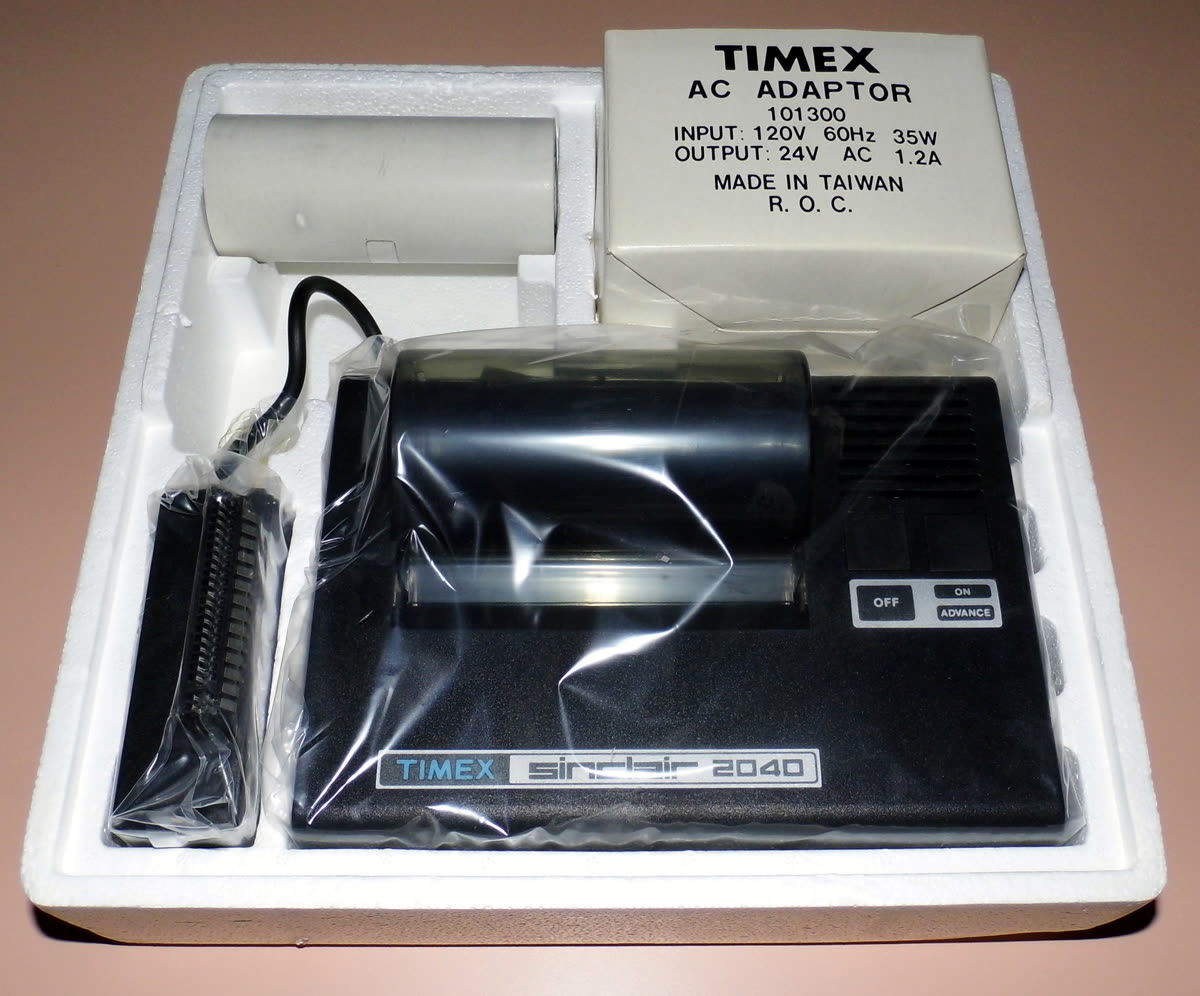
Brother P-touch machines print onto laminated TZe tape rather than thermal label stock. The lamination is the point: the printed layer is sandwiched between plastic, so the label survives water, heat, abrasion and UV for years. The PT-P710BT Cube Plus prints from a phone or computer and takes tape up to 24 mm wide.
Running cost. TZe tape is expensive, roughly $12 to $20 for 8 metres, but a cable label uses 30 mm. Third-party compatible tape is widely available and generally reliable.
Who it suits. Anyone labelling cables, breaker panels, shelving, tools or equipment. It is not an alternative to a shipping or address printer; it is a complement.
Colour label printing in 2026
Canon entered the full-colour label market in January 2026 with the LG-P800, an inkjet label printer handling media from 2 to 8.5 inches wide at 1200 x 1200 dpi with a 4.3-inch touch panel, automatic media detection and hot-swappable pigment ink tanks. It is aimed at businesses producing short-run product labels in-house rather than at shippers, and it sits in a different price bracket entirely from anything else on this page. If you are printing branded product labels in colour, it is worth a look; for parcels, it is the wrong tool.
What to avoid
- Using a normal inkjet or laser for shipping labels. Sheet labels work but cost far more per label, jam, and waste half a sheet per parcel.
- Chipped-media printers if you ship in volume. The media premium exceeds the hardware saving within a few thousand labels.
- 203 dpi for small barcodes. If you are printing dense 2D codes or small text, buy 300 dpi.
- Direct thermal for anything stored in sunlight or a hot vehicle. Use thermal transfer or laminated tape.
- Bluetooth-only printers for a business workflow. If two people need to print, you need USB or network.
Verdict
For shipping, buy the Rollo Wireless, or the MUNBYN ITPP941 if budget is tight; both take open media and neither will ever tell you your labels are unauthorised. For office address and file labels, buy the Brother QL-800, or the QL-1110NWB if you want one machine for both jobs. For volume and barcodes, the Zebra ZD421 is the only real answer. Buy a Dymo LabelWriter 550 only with your eyes open about the media lock-in, and treat Niimbot and Phomemo as useful household tools rather than business equipment.
Label printers are also the category where setup goes wrong most often, because they use proprietary drivers and non-standard page sizes. If yours prints blank, half-size or off-centre labels, get help from a printer specialist or start with our error reference.
Software mentioned in this guide
- Brother Mobile Connect
Brother's current mobile app for setup, printing, scanning and supplies iOS · Android - DYMO Connect
DYMO's current label software for desktop and mobile Windows · macOS · iOS - Rollo App
Shipping label creation and printing for Rollo label printers iOS · Android - Windows printer settings
How Windows installs printers, and the shift to driverless Windows Ready Print Windows - Zebra Nucleus Connector (formerly Zebra Setup Utilities)
Zebra's printer setup and configuration tool, rebranded from Setup Utilities Windows · iOS · Android
Printers covered here
Frequently asked questions
What is the best label printer for shipping in 2026?
The Rollo Wireless at around $180 to $230, or the MUNBYN ITPP941 at $130 to $180 for a cheaper alternative. Both print 4 x 6 inch labels at 203 dpi, accept any brand of thermal label stock, and work directly from carrier and marketplace shipping portals without a plugin.
Rollo vs Dymo: which should I buy?
They do different jobs. Rollo prints 4 x 6 shipping labels on any brand of media. Dymo LabelWriter prints small address and file labels and, on the 550 generation, only accepts chipped genuine Dymo rolls. If you ship parcels, buy Rollo. If you need address labels and are not already invested in Dymo, buy a Brother QL-800 instead.
Do label printers need ink?
No. Every printer in this guide except the Canon LG-P800 is direct thermal, which uses heat on chemically treated label stock. There is no ink or toner. The trade-off is that direct thermal labels fade over six to twelve months in heat or sunlight. Thermal transfer printers add a ribbon for permanent labels.
Can the Dymo LabelWriter 550 use third-party labels?
No. Unlike the older LabelWriter 450, the 550 and 550 Turbo read a chip on the roll and refuse to print on unrecognised stock. If you have existing third-party rolls that worked in a 450, they will be rejected. Budget for genuine Dymo media at roughly 3 to 6 cents per address label.
Are cheap Niimbot and Phomemo printers any good?
For household and small-craft labelling, yes, and they cost $30 to $70. They are limited to narrow media, usually print only from a phone app, and some Niimbot models verify their label cartridges. They cannot produce compliant 4 x 6 carrier shipping labels, so do not buy one for parcels.
What resolution do I need for barcodes?
203 dpi is adequate for standard carrier shipping barcodes at 4 x 6 inches. Choose 300 dpi if you print small text, dense 2D codes such as DataMatrix or QR at small sizes, or anything a scanner will read at speed. Brother QL and Zebra 300 dpi models cover this.
IT support veteran who breaks down messy printer problems into simple, ordered fixes.

Questions & comments (0)
No comments yet. Describe your printer model, operating system and the exact message you see; comments appear after review.
Ask about this page
Your comment appears after our team approves it. Or sign in to post faster.