Lexmark Printer Support After the Xerox Acquisition: Drivers, Apps and Error Codes (Independent Guide)
An independent guide to Lexmark printer support after the Xerox acquisition: where drivers live now, the renamed Lexmark Print app, first-time setup, error codes and what owners should expect next.
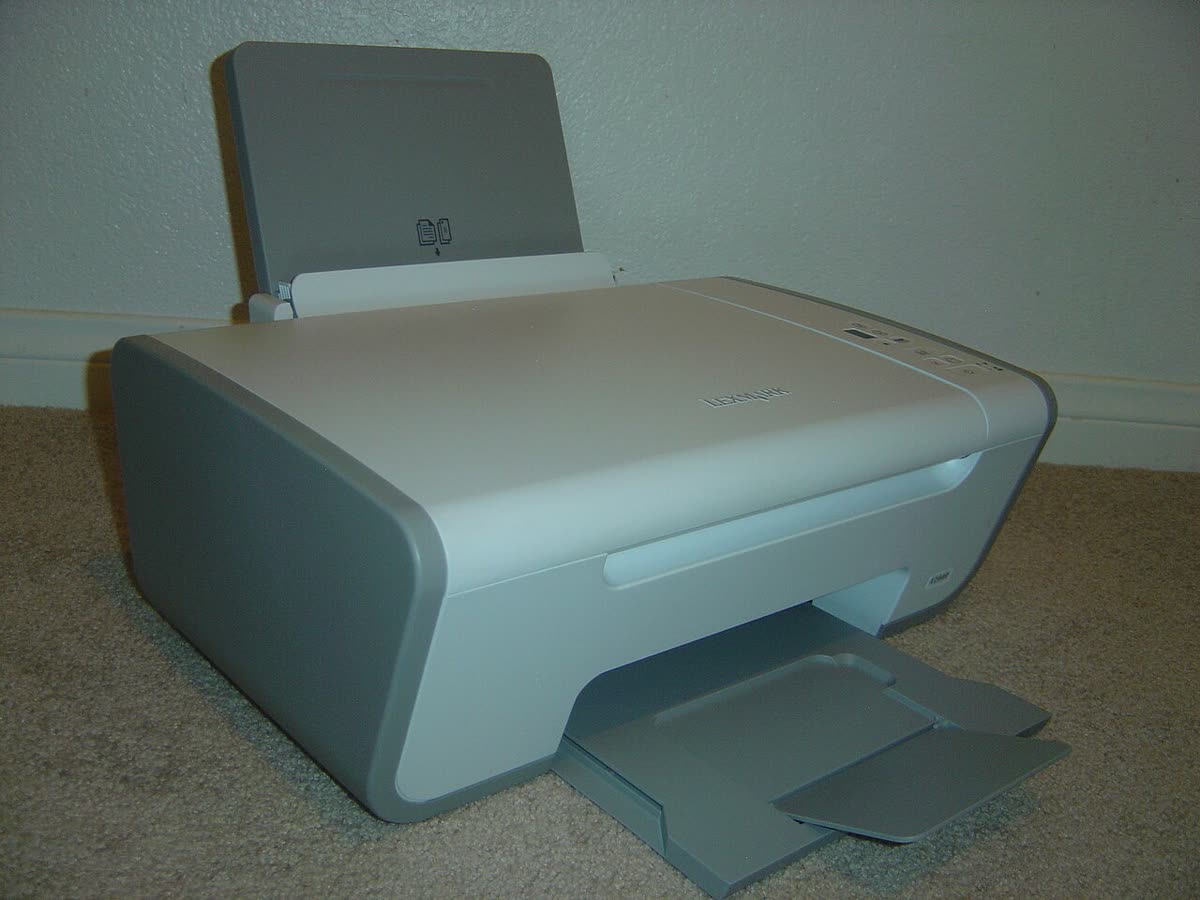
Lexmark is a business-first printer brand: durable metal-framed lasers, strong fleet management, and a support model built around contracts rather than retail warranty. It is also a brand in transition. Xerox completed its acquisition of Lexmark in 2025, and the effects are already visible to owners, from regional websites redirecting to Xerox to new Xerox-branded machines built on Lexmark engines.
This page is an independent map of Lexmark support as it stands today: where the drivers actually are, which app is current, how setup runs, what the error conditions mean, and what the acquisition means for anyone who owns or maintains a Lexmark fleet.
Official Lexmark support links
Lexmark centralised support on a single global site rather than running national portals, which makes the driver hunt simpler than for most brands.
| Purpose | Address | Notes |
|---|---|---|
| Drivers, firmware, manuals | support.lexmark.com | Search by exact model; still the correct starting point |
| Product and corporate | lexmark.com | Regional pages are progressively redirecting to Xerox |
| Xerox United States | xerox.com/en-us | New parent company; future home of sales and contracts |
| Xerox United Kingdom | xerox.co.uk/en-gb | UK sales and service routing |
| Xerox Australia | xerox.com.au | lexmark.com/en_au now redirects here |
What the Xerox acquisition means for owners
For a home or small office owner with a single Lexmark laser, very little changes today. Drivers still download, cartridges are still sold, and the machine does not know or care who owns the trademark.
For anyone maintaining a fleet, three things are worth planning around. First, sales and contract routing is moving to Xerox, most visibly in Australia where the Lexmark regional address already redirects. Second, Xerox Easy Assist, the mobile setup and management app, has been extended to support Lexmark printers, which signals a unified tooling direction. Third, the new Xerox C240, C245, C255a and C300 series are Lexmark-derived engines wearing Xerox badges, so the two supply chains are converging rather than one simply replacing the other.
None of that requires action, but it does mean a Lexmark bought today should be evaluated on the assumption that its long-term support relationship is with Xerox.
Lexmark software and drivers
Lexmark Print (formerly Lexmark Mobile Print)
The mobile app was renamed from Lexmark Mobile Print to simply Lexmark Print. It handles mobile printing, scanning from supported multifunction machines, and basic device status. The rename is the main reason people cannot find it, since older manuals and community posts still use the old name. See our Lexmark Print app page.
Lexmark Universal Print Driver
The Universal Print Driver ships in PCL XL and PostScript variants and drives most of the current and recent fleet from one package. It is the right choice for a print server, a managed image or a mixed-model office. It is the wrong choice for a single multifunction machine where you also want the scan pipeline. Details on our Lexmark Universal Print Driver page.
Embedded Web Server
Every networked Lexmark exposes a full web interface at its IP address. This is where you set a static address, configure SNMP, apply security policy, check page counts and update firmware. On Lexmark hardware the embedded server is unusually complete, and for fleet work it is often faster than any desktop tool.
Xerox Easy Assist
Now extended to cover Lexmark printers, Easy Assist is a mobile setup and management app. It is worth knowing about as the likely direction of travel for Lexmark device management.
Setting up a Lexmark printer for the first time
- Remove all packing material from the toner and imaging unit, reinstall them, and load paper in the tray with the guides set correctly. Lexmark trays are sensitive to guide position and will report a size mismatch otherwise.
- Power on and let the machine complete its warm-up and registration cycle.
- Prefer Ethernet where the machine offers it. Lexmark hardware is built for wired networks, and a cabled connection eliminates the whole category of wireless faults.
- For wireless models, check the band. Most Lexmark wireless machines are 2.4 GHz only, and a merged 2.4/5 GHz network name is the usual reason your network never appears.
- Use the panel wizard under Settings, then Network, then Wireless, then Setup on Printer Panel. WPS is supported on models with a wireless menu.
- Print the network setup page from the panel, note the IP address, and open the embedded web server in a browser to reserve settings and set an admin password.
- Install the model-specific driver or the Universal Print Driver on each computer, or deploy by IP through your print server.
Lexmark model families explained
| Series | What the name signals | Best for |
|---|---|---|
| B and MB | Entry mono laser; MB adds multifunction | Small offices and workgroups printing documents |
| C and MC | Colour laser; MC adds multifunction | Offices needing colour documents and marketing output |
| MS and MX | Business mono; MX is the multifunction line | Departmental workgroups with higher duty cycles |
| CS and CX | Business colour; CX is the multifunction line | Colour-heavy departments and managed fleets |
| XC and XM | Enterprise multifunction with finishing options | Large fleets with device management and security policy |
Higher numbers within a series generally mean faster engines, larger paper capacity and higher monthly duty cycles rather than different features.
Common Lexmark messages and conditions
| Message | Meaning in one line |
|---|---|
| Printer offline | The queue cannot reach the machine's IP, usually a DHCP change - see printer offline |
| Cartridge low / Replace cartridge | Toner counter reached; the machine keeps printing until the hard stop |
| Unsupported cartridge / Invalid supply | A region-mismatched, refilled or non-Lexmark chip has been detected |
| Replace imaging unit | The photoconductor is a separate consumable from the toner and has reached its count |
| Paper jam with a location number | The number identifies the door or tray to open first, not a fault severity |
| Service error with a three-digit code | A hardware fault requiring the service manual or an engineer |
Codes for every brand are indexed in our error code directory.
Consumables and the Return Program
Lexmark sells two versions of many cartridges. Return Program cartridges are cheaper and carry a licence requiring return to Lexmark and prohibiting refilling. Regular cartridges cost more with no such restriction. Machines are also region-coded, so a cartridge bought in North America may be rejected by a machine sold in Europe or Australia even though it is physically identical.
Imaging units and photoconductors are separate from toner and have their own page counts, in the same way Brother separates drum from toner. Budget for both when working out a cost per page.
Firmware and third-party supplies
Lexmark firmware updates are applied through the embedded web server or a fleet tool, and they have historically included supply authentication changes. If your operation depends on compatible cartridges, test a firmware release on one machine before rolling it across a fleet.
Warranty and official contact channels
Lexmark warranty terms vary sharply between retail machines and contract fleets. A retail B or MB series machine carries a standard manufacturer warranty; a fleet machine under a managed print services agreement is covered by that contract instead, with its own response times and named provider. Check which applies before calling anyone, because it determines who is obliged to help.
Contact options appear on the model page at support.lexmark.com. With the acquisition progressing, some regional enquiries now route through Xerox.
How this site fits
We are independent and affiliated with neither Lexmark nor Xerox. We publish vendor-neutral fixes, link to official pages for anything that must come from the manufacturer, and never charge to unlock a fix. Everything we have on this brand is collected on the Lexmark brand hub.
Lexmark software and drivers
- Lexmark Cloud Print Management
Subscription cloud print service with release printing and reporting Windows · macOS · iOS - Lexmark Print (formerly Lexmark Mobile Print)
Lexmark's mobile printing and scanning app, renamed at version 3.0 iOS · Android - Lexmark ScanBack Utility
Creates scan-to-computer profiles without touching the Embedded Web Server Windows - Lexmark Universal Print Driver
One driver for over two hundred Lexmark models Windows · macOS
Lexmark error codes
Lexmark printer models
Grouped by series. Every model page has setup steps, the right cartridge or toner numbers, driver links and the faults owners report.
MS series mono laser printer 6
MX series mono laser MFP 6
MX series mono laser MFP (2013 generation) 4
CS series color laser printer 3
CX series color laser MFP 3
MB series mono laser MFP 2
MS series mono laser printer (2013 generation) 2
B series compact mono laser printer 1
B series mono laser printer 1
C series compact color laser printer 1
CS series color laser printer (2013 generation) 1
CX series color laser MFP (2013 generation) 1
E series mono laser printer 1
MB series compact mono laser MFP 1
MC series compact color laser MFP 1
Pro900 series wireless inkjet all-in-one 1
T series mono laser printer 1
X series wireless inkjet all-in-one 1
No model matches that. Try the model number only, e.g. "2800".
Lexmark support FAQ
Is Lexmark going away now that Xerox owns it?
The brand is not disappearing overnight, but the corporate structure has changed. Xerox completed its acquisition of Lexmark in 2025, and regional Lexmark sites are already redirecting to Xerox, most visibly in Australia. Drivers and documentation remain on support.lexmark.com. The practical advice for owners is to download and keep a copy of the driver, firmware and manual for your model rather than assuming the page will be there in three years.
What happened to the Lexmark Mobile Print app?
It was renamed to simply Lexmark Print. It is the same app, covering mobile printing, scanning from supported multifunction machines and basic device status. Older documentation, forum posts and even some store listings still use the Mobile Print name, which is why searching for it returns inconsistent results. Xerox Easy Assist has also been extended to support Lexmark printers, which is a further sign of the integration.
Where do I download Lexmark drivers?
From support.lexmark.com. Enter your exact model number and choose your operating system. Lexmark also publishes a Universal Print Driver in PCL and PostScript flavours that drives most of the fleet from a single package, which is the right choice for a print server or a managed Windows image. For a single machine that also needs scanning, take the model-specific package instead.
Are Xerox C240 and C255a printers really Lexmark inside?
The 2026 Xerox C240, C245, C255a and C300 series are built on Lexmark-derived engines under Xerox branding. In practical terms that means Lexmark troubleshooting knowledge, paper path layout and consumable behaviour transfer across, even though the software and supplies are branded Xerox. If you have supported Lexmark machines before, these will feel familiar.
Can I use third-party toner in a Lexmark printer?
Physically yes, but Lexmark has historically been one of the more restrictive brands. Many Lexmark cartridges are regionalised and chipped, and the machine will warn about non-Lexmark supplies and may disable some features or refuse a cartridge intended for another region. Check whether your model uses Return Program cartridges, which carry a licence restricting refilling, before buying compatibles.
How do I contact Lexmark support in the UK?
Start at support.lexmark.com, select your model, and use the contact options shown there. Business customers under a managed print contract should contact their named service provider rather than general support, because the contract determines response times. With the Xerox acquisition progressing, some UK enquiries now route through Xerox UK, so check which entity your paperwork names.
Let a printer specialist fix it with you, remotely
Share your screen, we diagnose the driver, Wi-Fi or firmware problem and fix it while you watch. One affordable annual plan covers every printer in your home or office.