Epson · WorkForce Pro
Epson WorkForce Pro WF-M5399
Offices wanting a current mono print-only inkjet for volume text
The WF-C5890 is the 2023 successor to the WF-C5790 and the current mid-size WorkForce Pro all-in-one, with a faster engine, the same 902 ink packs and a replaceable maintenance box, plus cloud fleet management through Epson's PORT platform. The WF-C5390 is the print-only sibling. It is built for workgroups that print thousands of pages a month and want laser-class reliability without toner. Admin security features are enabled by default, so plan for password management.
Sold in United States, Canada, United Kingdom, Europe, Australia. Sold as WF-C5390 is the print-only sibling in United States.
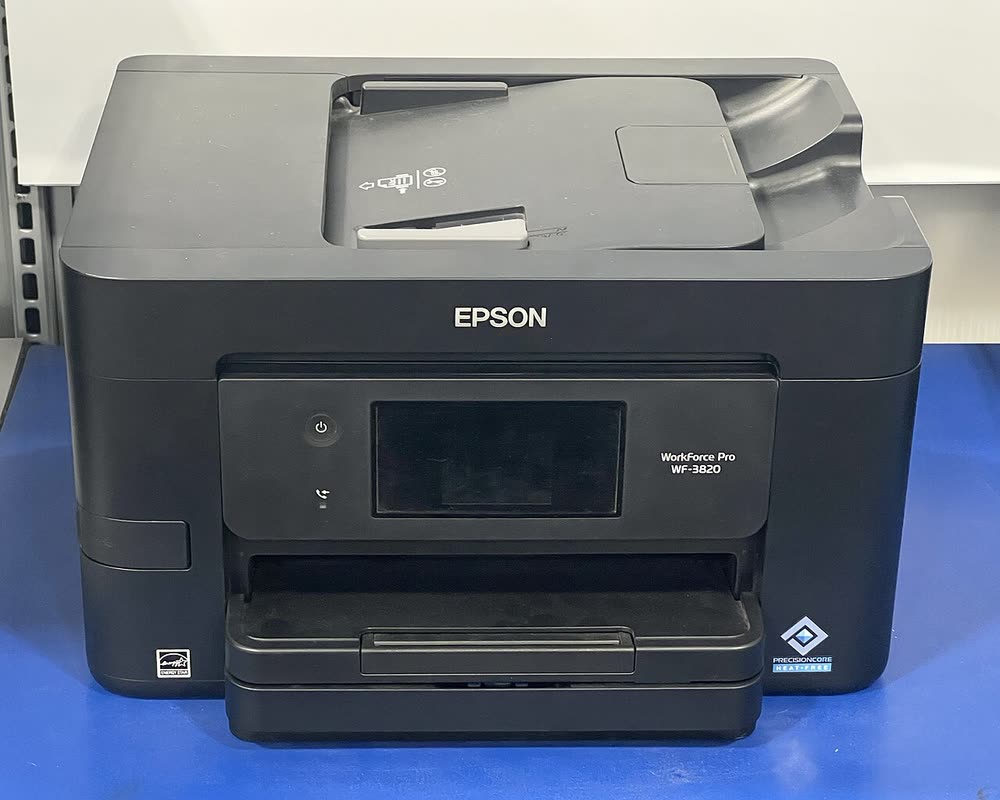
The WF-C5890 is the 2023 successor to the WF-C5790 and the current mid-size WorkForce Pro all-in-one, with a faster engine, the same 902 ink packs and a replaceable maintenance box, plus cloud fleet management through Epson's PORT platform. The WF-C5390 is the print-only sibling. It is built for workgroups that print thousands of pages a month and want laser-class reliability without toner. Admin security features are enabled by default, so plan for password management.
Best for: Workgroups wanting a current managed colour inkjet MFP
Deploy on Ethernet with a static IP, set the admin password on first boot and install the PCL or PostScript driver or the Universal Print Driver. Register with Epson Cloud Solution PORT if you want remote monitoring. Install ScanSmart for duplex scanning or configure scan-to-folder in Web Config.
The Epson WorkForce Pro WF-C5890 uses the following consumables. Match the number exactly when you buy: the same printer family often uses several different cartridge numbers by region.
High-yield (XL) versions almost always cost less per page if you print regularly. On third-party ink and toner, read our honest assessment first, and note that some manufacturers push firmware that rejects non-original chips.
| Print Speed | 25 ISO ppm black / 25 ISO ppm color |
|---|---|
| Resolution | Up to 4800 x 1200 dpi |
| Duplex | Automatic |
| Adf | 50 sheets (duplex scanning) |
| Paper Capacity | 330 sheets expandable to 830 |
| Display | 4.3-inch color touchscreen |
| Connectivity | Wi-Fi, USB, Ethernet, Wi-Fi Direct, NFC |
| Mobile | Epson Smart Panel, AirPrint, Mopria |
| Os | Windows 11/10, macOS, ChromeOS, iOS, Android |
| Dimensions | 16.7 x 19.9 x 13.7 in |
| Weight | 33.3 lb |
| Monthly Duty | 45,000 pages |
| Extra | Replaces WF-C5790; uses 902 ink packs; adds Epson Cloud Solution PORT support; print-only sibling WF-C5390 |
| Functions | Print, Scan, Copy, Fax |
Every link goes to the manufacturer or an official app store. We never host modified installers.
| Code or message | What it means |
|---|---|
| Maintenance box at end of service life | Replace maintenance box |
| W-13 | Document jam in ADF |
No reviews yet. If you own this model, share what works and what does not.
Reviews appear after moderation.
Offices wanting a current mono print-only inkjet for volume text
Small offices needing a fast print-only colour inkjet with PCL
Small workgroups wanting a managed all-in-one with duplex scanning
Home offices wanting a current compact office all-in-one
Share your screen, we diagnose the driver, Wi-Fi or firmware problem and fix it while you watch. One affordable annual plan covers every printer in your home or office.
Questions & comments (0)
No comments yet. Describe your printer model, operating system and the exact message you see; comments appear after review.
Ask about this page
Your comment appears after our team approves it. Or sign in to post faster.